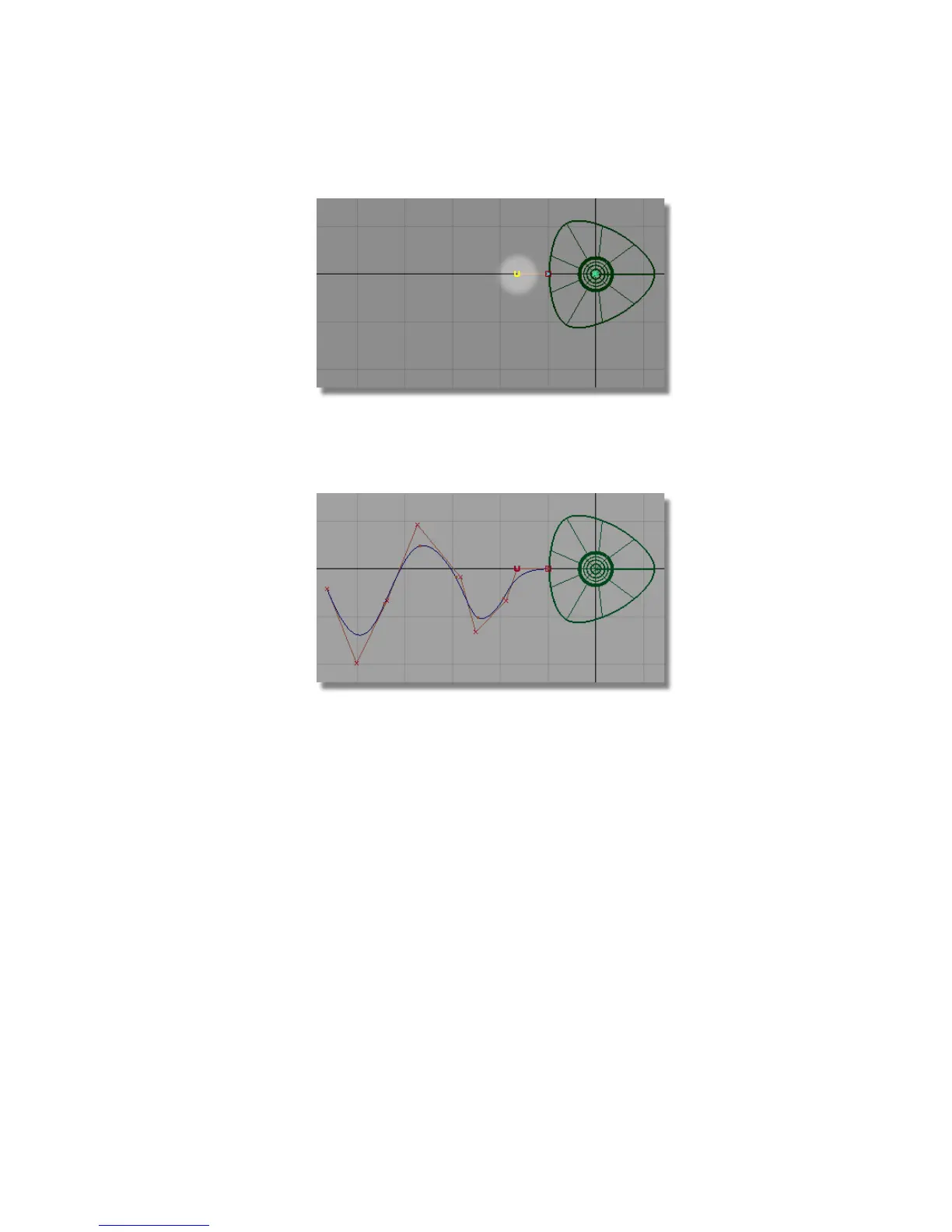
Release the mouse button. The second CV is placed horizontally away
from the first.
6 Continue to place CVs, creating a wavy path for the cable.
Create the cable profile curve
Next, you will create a small circle for the cross-section profile of the cable.
1 Choose Layouts > Left or F7 to maximize the Back view.
Part 4: Creating the connecting cable | 215



 To Next Page