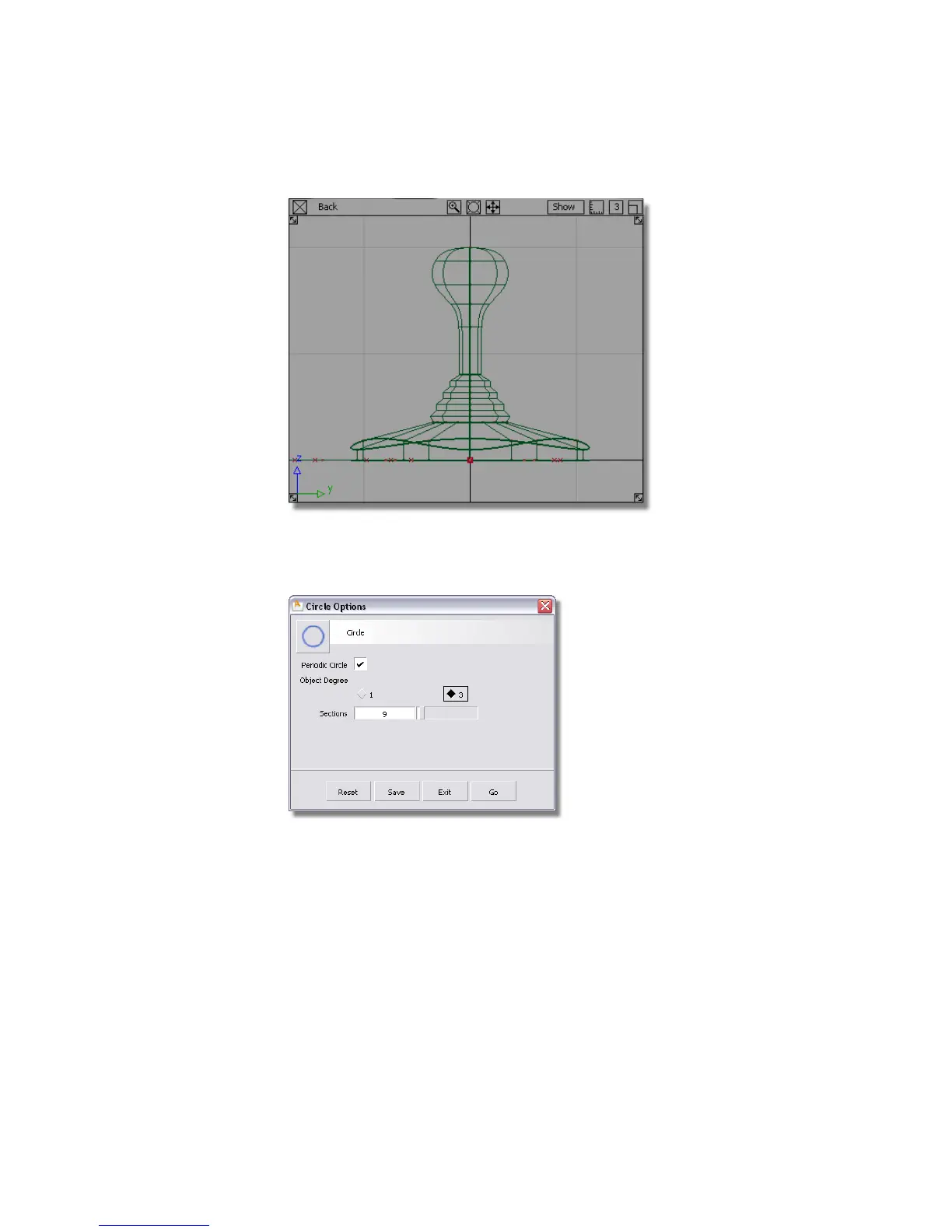
2 Choose Curves > Primitives > Circle .
3 Double-click the icon to open the option box.
The current options have 9 sections which was set previously for the
triangular shape. The default number of sections is 8 which creates a good
general purpose circular shape.
Click the Reset button at the bottom of the Circle Options box to reset
the options to the default values. Press Go to create the circle.
216 | Chapter 5 Modeling a Joystick



 To Next Page