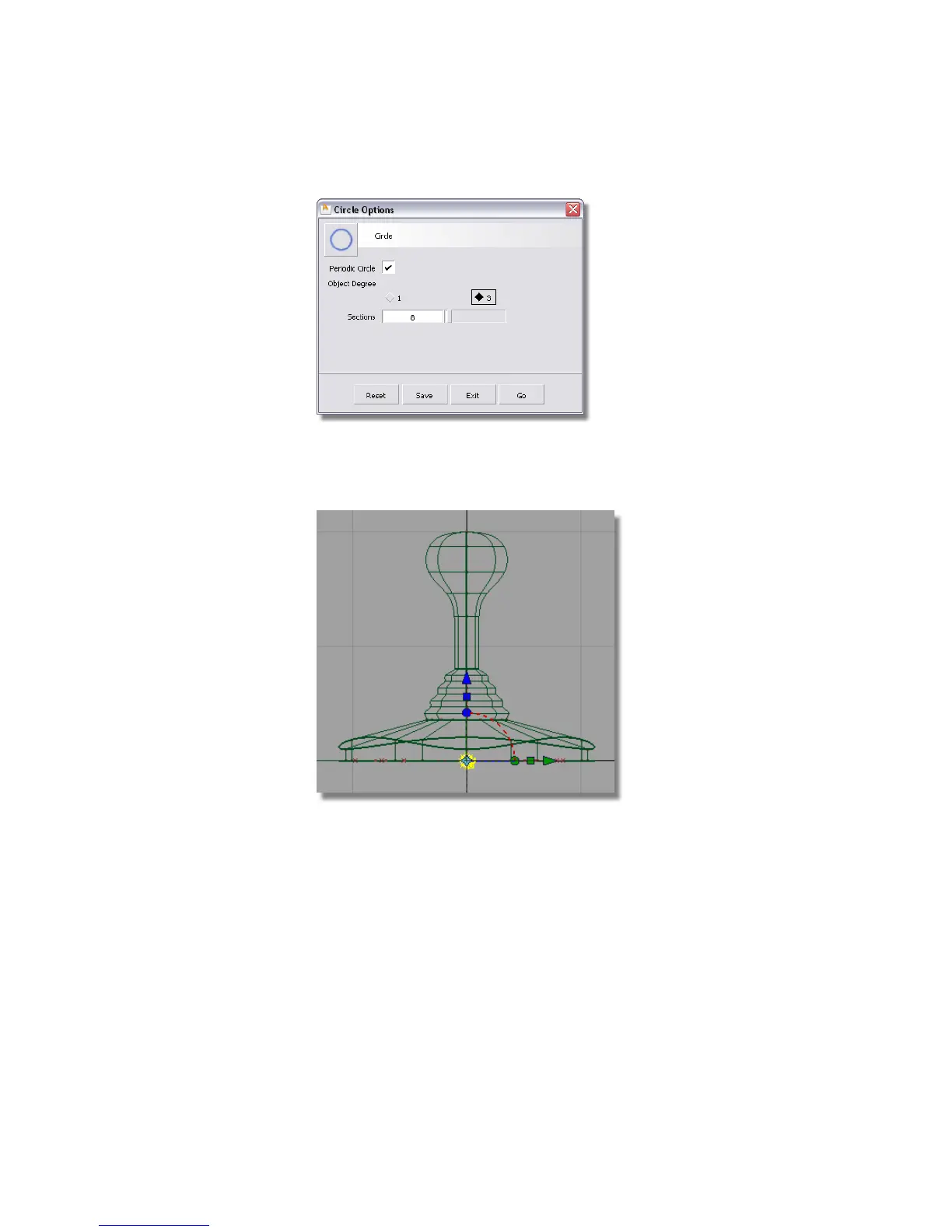
4 Hold down the Alt (Windows) or Command (Mac) key to turn grid snapping
on. Click near the origin in the Back window to place the circle at the
center of the base.
A small circle is placed at the origin. The CVs are highlighted in yellow
and the manipulator is showing, but it won’t be used.
5 Choose Layouts > Left or F6 to switch to the Left view.
Part 4: Creating the connecting cable | 217



 To Next Page