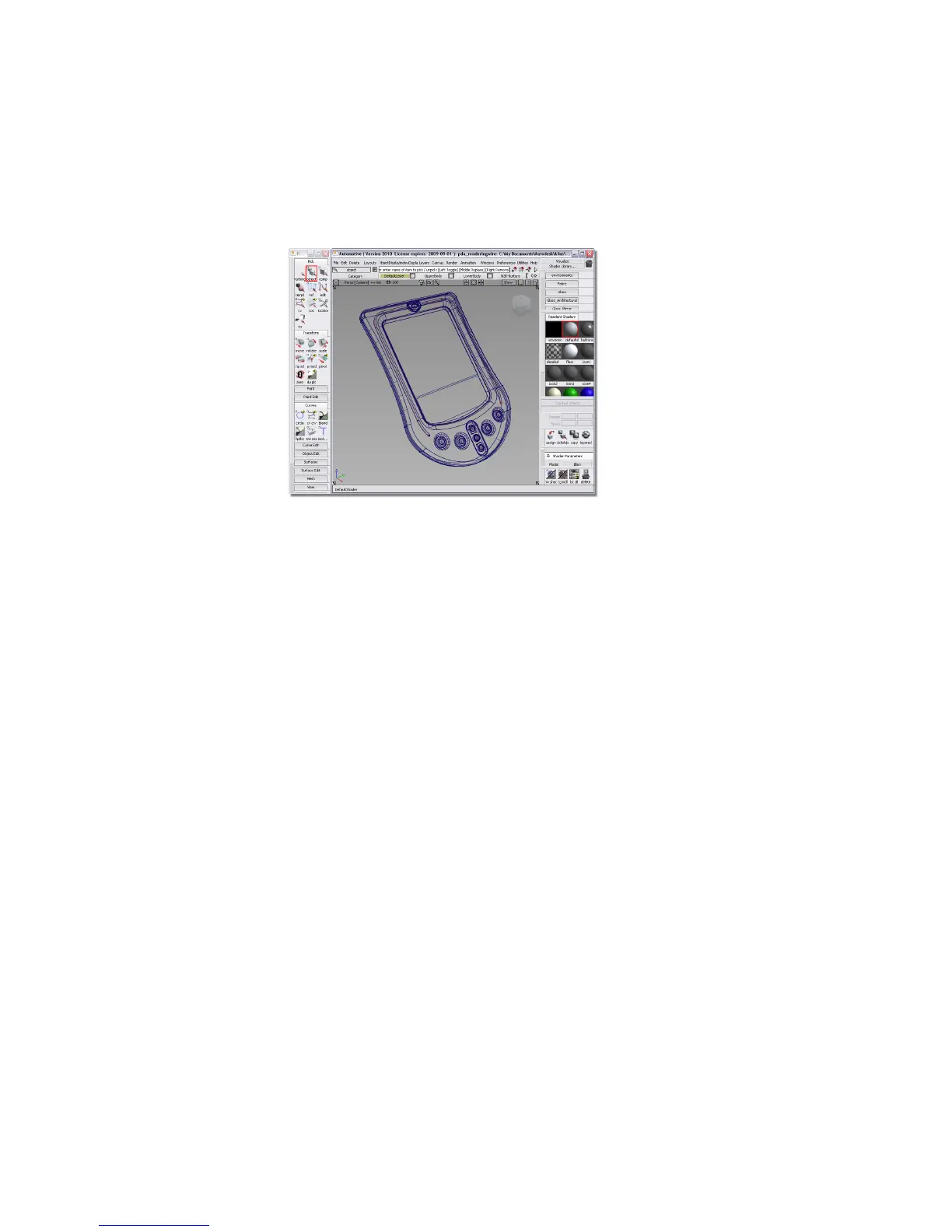
7 Click the Maximize icon on the Perspective view to expand it.
Your Alias window should look like the following illustration.
Shaded mode
As a first step in the journey to understanding rendering, you will use shaded
mode. This tool provides a fast colored and shaded reference of a model in a
modeling window. You can also enable textures, shadows, reflections, and
more. For more information about all the functionality of this mode, see
WindowDisplay > Hardware Shade .
To enable shaded mode
1 Choose WindowDisplay > Hardware Shade ❒ to open the Hardware
Shade window.
616 | Chapter 9 An introduction to Rendering



 To Next Page