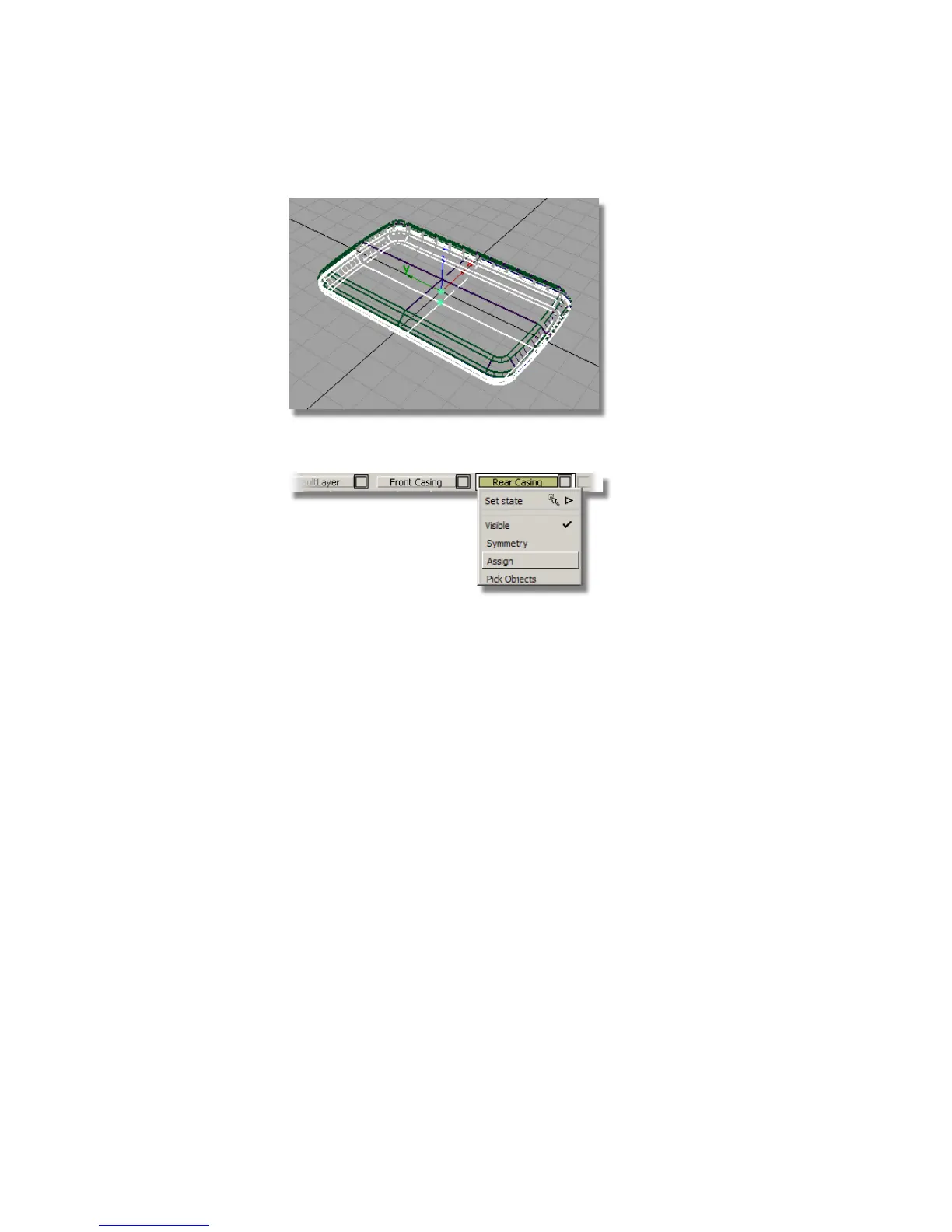
4 With the surfaces still selected, Assign them to the Rear Casing layer.
5 Turn on Symmetry on the Rear Casing layer.
6 Turn off Visible on the Rear Casing layer to make it invisible.
Saving your work
Save your work in the wire directory of the Lessons project. Name your file
myMP3Player3.wire.
Part 4: Creating the Screen Recess
The screen is cut out of the front face of the MP3 player.
You will Offset the outline of the casing to create the screen curves. You will
then Project them onto the front face to create Curves-on-Surface. These can
then be used to Trim out the aperture for the display screen.
442 | Chapter 7 Modeling an MP3 Player



 To Next Page