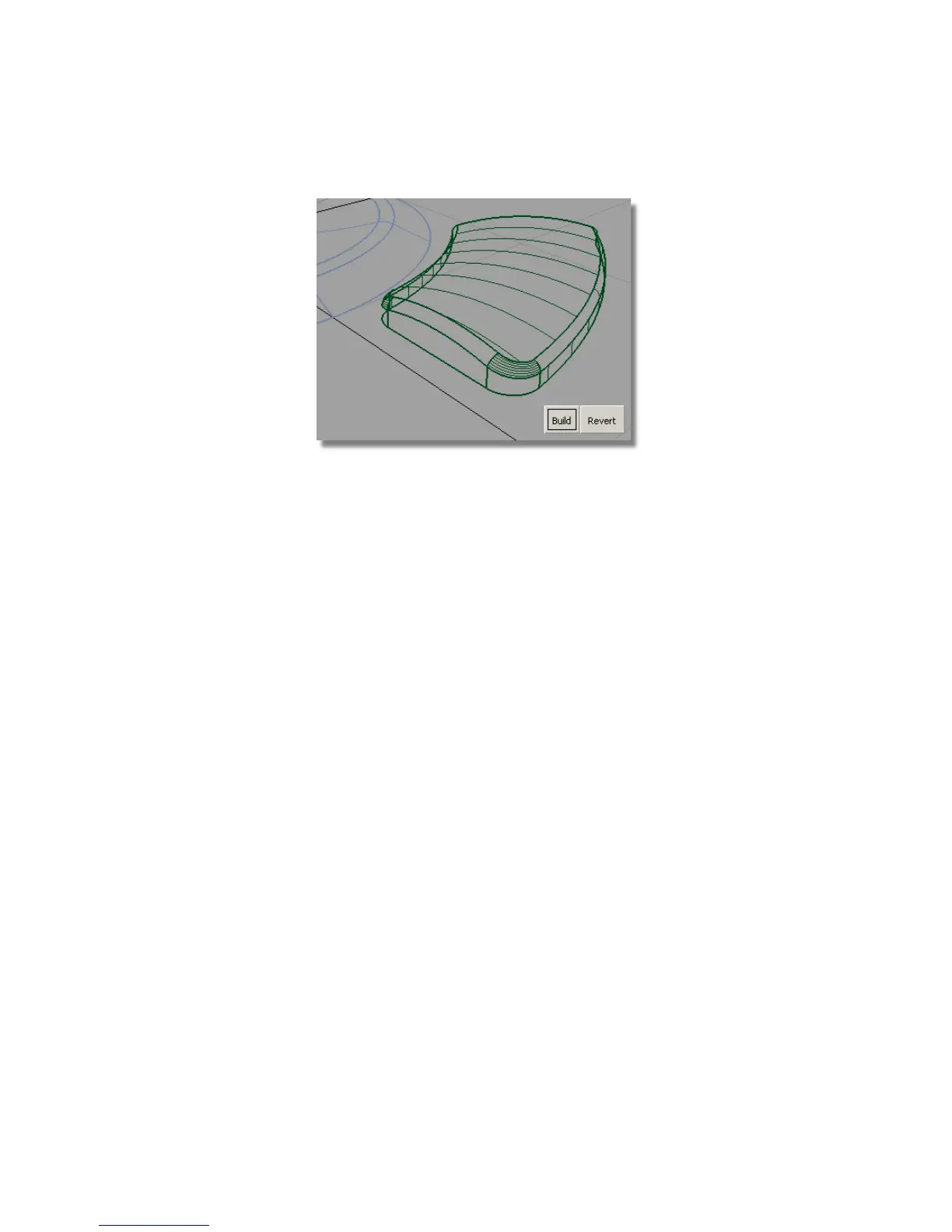
The advantage of using the round tool on multiple edges is that the blended
corner surfaces are built automatically.
Saving your work
Save your work in the wire directory of the Lessons project. Name your file
myMP3Player6.wire.
Part 7: Completing the Model
You will now complete the MP3 Player design by duplicating the control
buttons, and moving all the buttons into the correct position on the front
casing.
Opening the tutorial file (optional)
If you successfully completed Part 6, you can proceed directly to the next step:
Creating Four Buttons below.
Part 7: Completing the Model | 493



 To Next Page