If you were not successful in part 6, open the file called MP3Player_part7.wire,
located in the wire directory of the CourseWare project. This file contains the
completed model from Part 6.
Creating Four Buttons
Watch Part 7 of the tutorial.
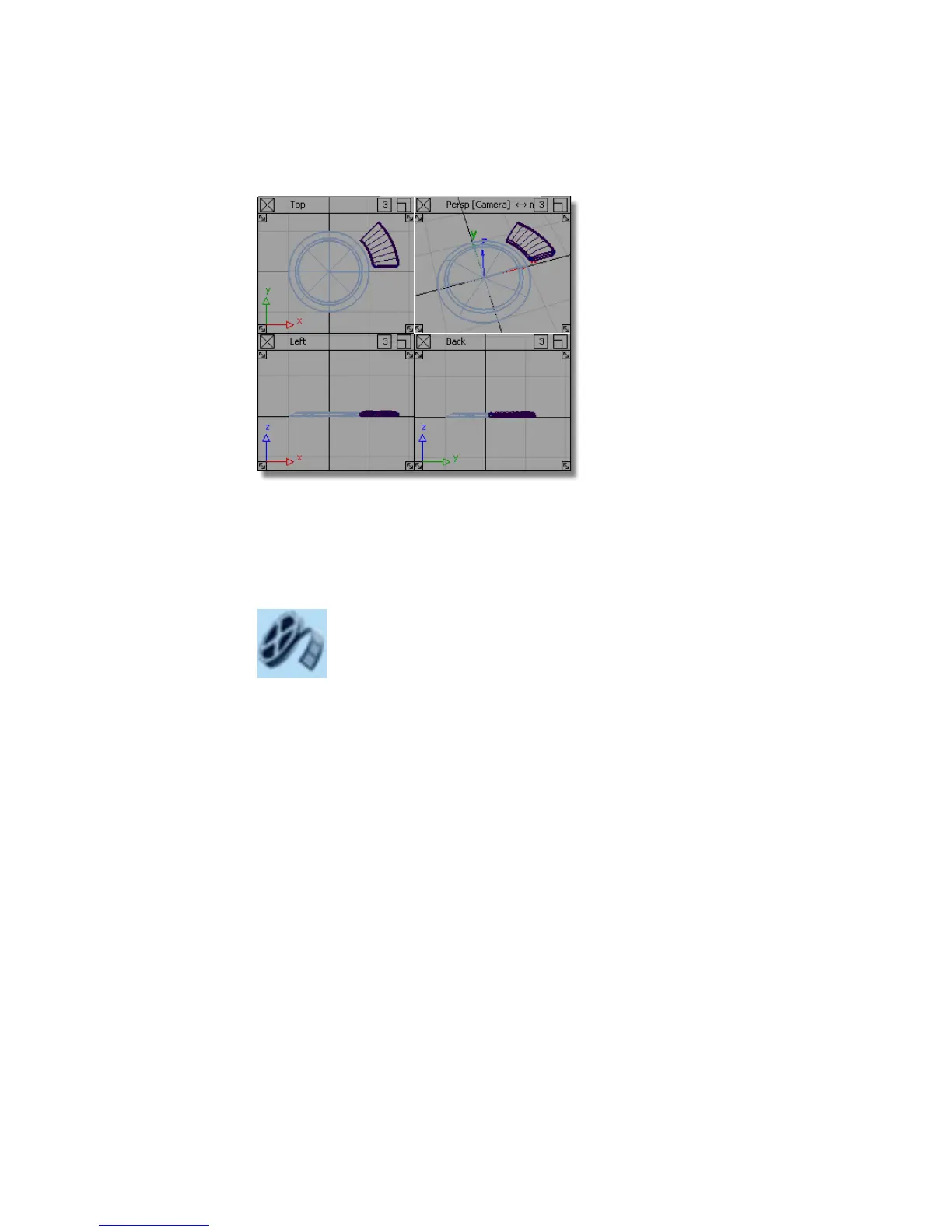
First, you will rotate the half-button into the correct orientation, and then
mirror the surfaces to create one full button.
1 Maximize the Top window.
2 Choose Pick > Object and select all the surfaces.
494 | Chapter 7 Modeling an MP3 Player



 To Next Page