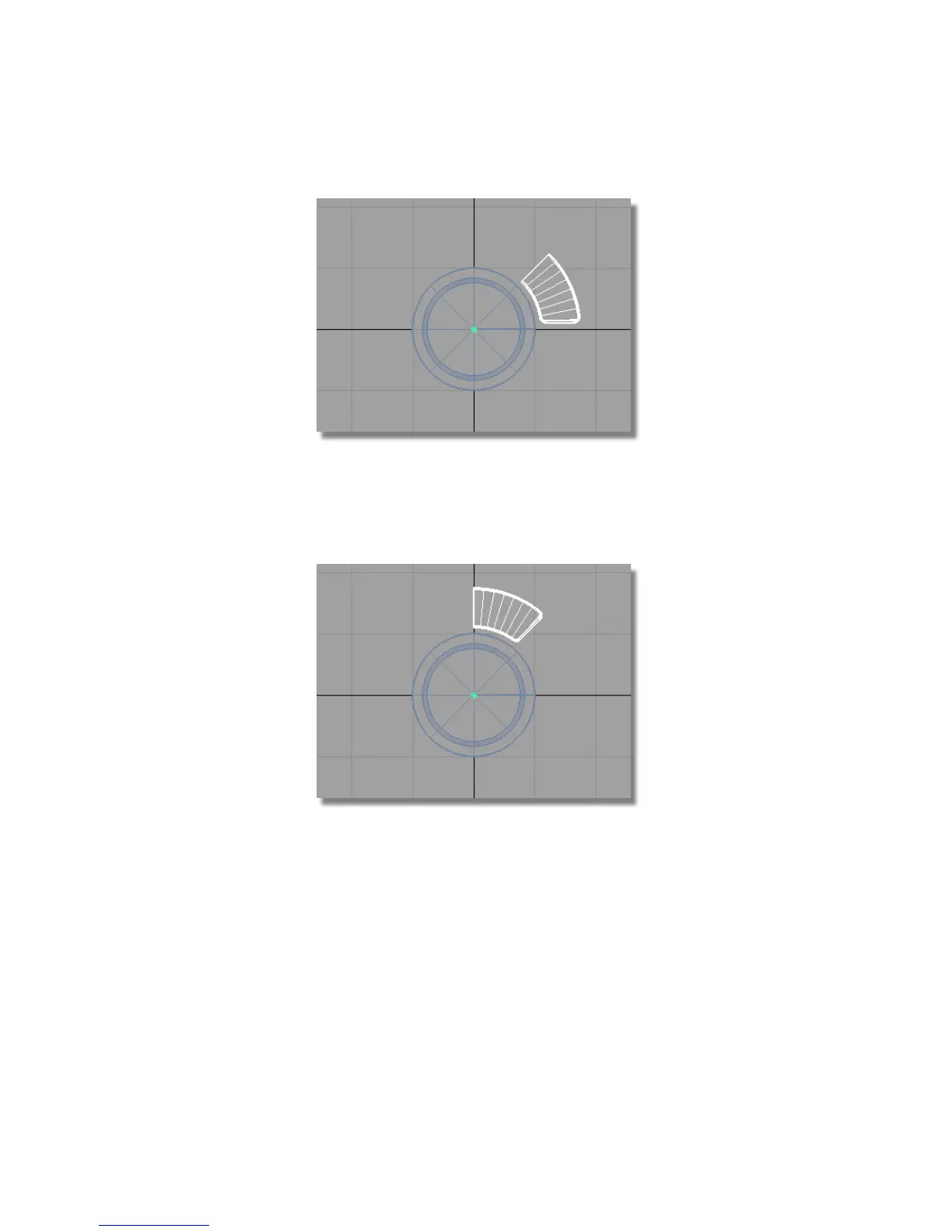
3 Choose Edit > Group to group them all , with a single pivot point at the
origin.
4 Choose Transform > Rotate and type in 0,0,45.
You will be asked about losing construction history, answer Yes.
5 Choose Edit > Duplicate > Mirror ❒ and select the YZ plane to Mirror
Across.
Part 7: Completing the Model | 495



 To Next Page