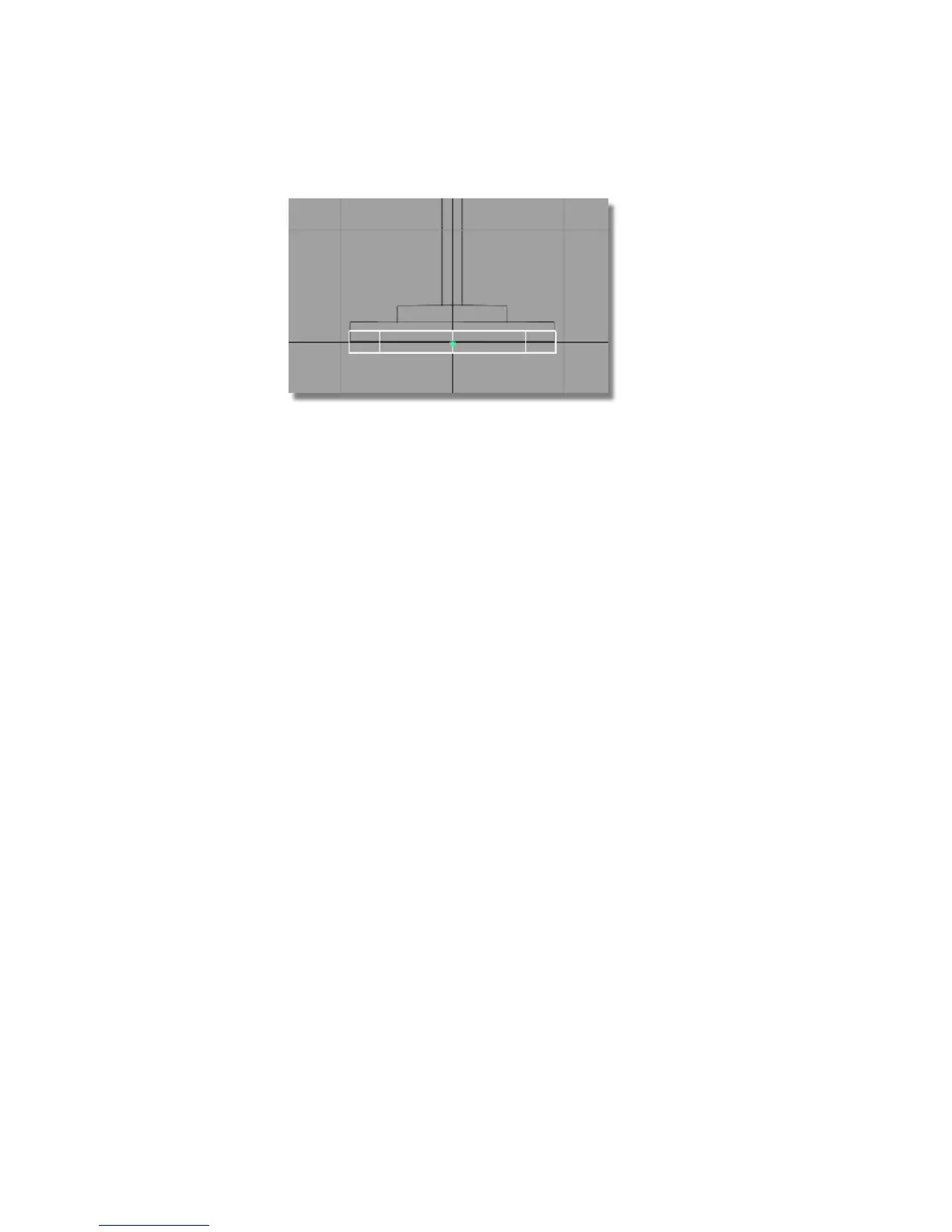
Later, you will line up the cylinder to the grid line, to make the lamp
base sit on the ground.
Saving your work
Now save the lamp as a new file.
It is always important to save your work at each stage. However, to safeguard
the files in the CourseWare project, it is write-protected. You cannot save any
new work in the CourseWare project.
To save your work you must create a project directory. Project directories are
special directories created by Alias that allow you to efficiently store all the
files related to a specific project together.
Saving your work in a Windows environment
1 Choose File > Save As .
The File Browser opens.
2 Click the arrow next to the Project field and choose New Project from
the menu.
96 | Chapter 4 Introduction to 3D



 To Next Page