Creating the Control Button Draft Surfaces
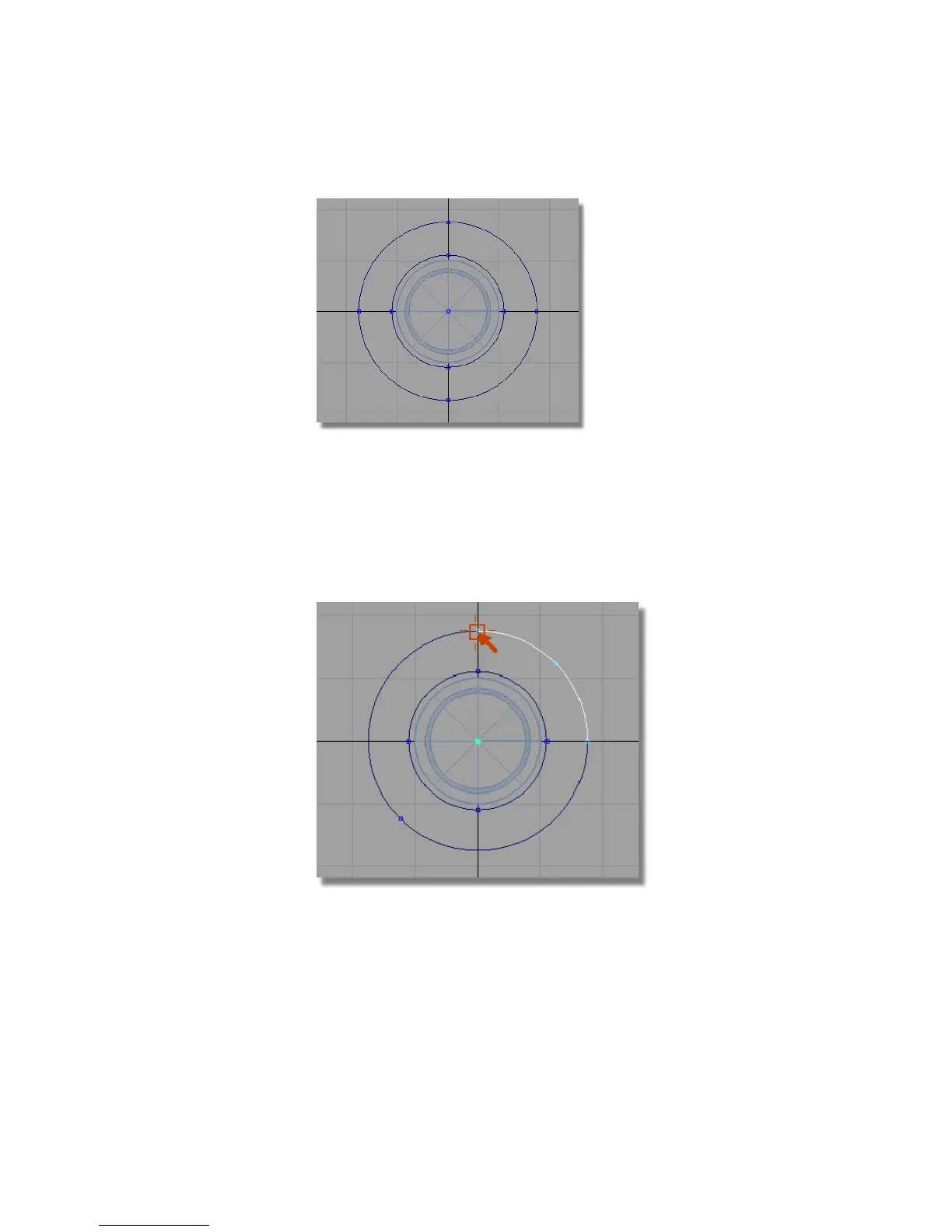
Now you will trim the two circles to create the button outline.
1 Choose Curves > Keypoint Curve Toolbox , then Keypoint Curve Tools
> Break & Join > Break Curve at Keypoint .
Click the top keypoint of the outer curve.
Still in the Break at Keypoint tool, click the top keypoint of the inner
curve.
Part 6: Control Button | 479



 To Next Page