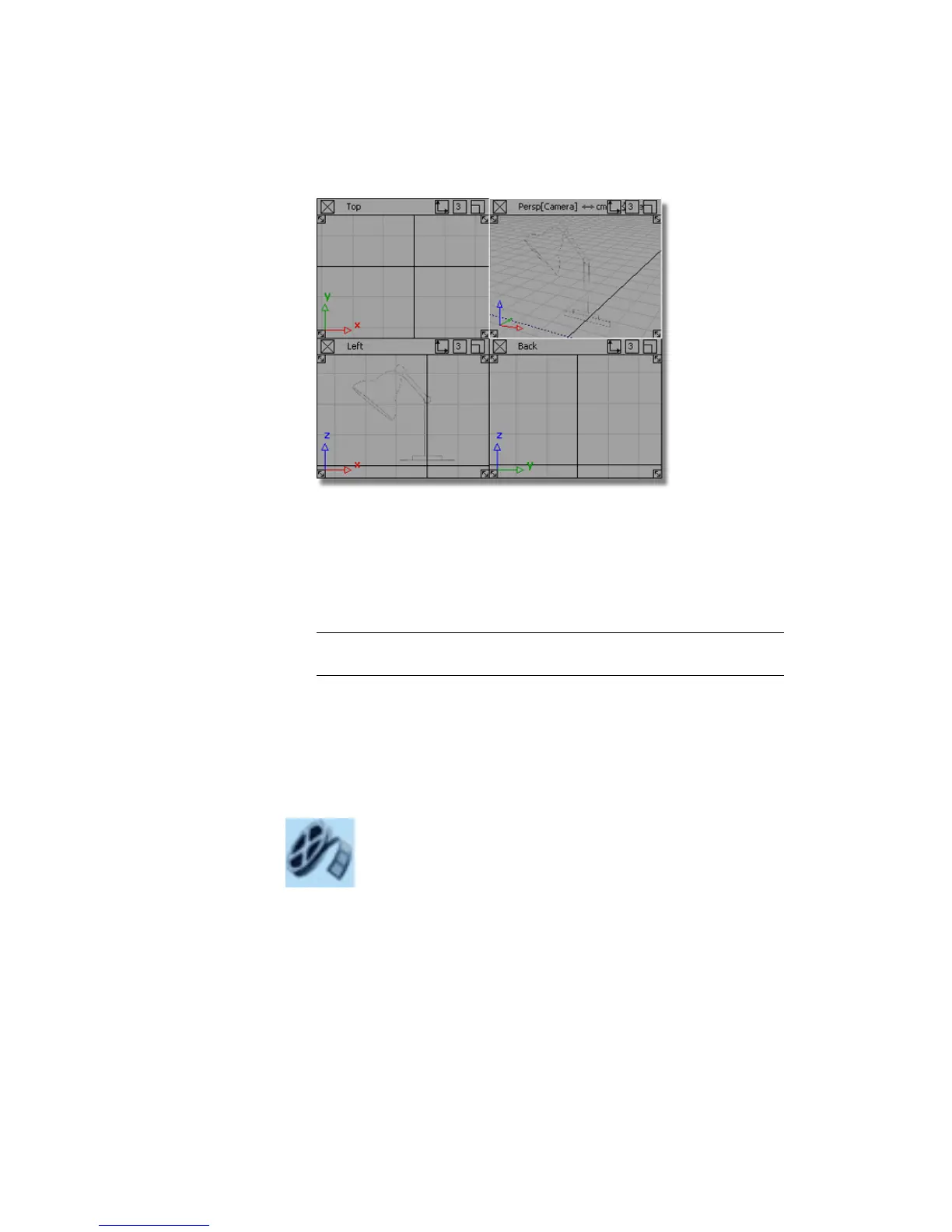
A sketch of the desk lamp design displays in the Left view. This sketch is
a reference image, known as a canvas plane. You will use it as a guide to
model the desk lamp.
If the two sketches do not appear, it is because the canvas plane display
has been turned off. To turn on canvas display, choose WindowDisplay
> Toggles > Canvas Planes .
TIP If you do not see any views, or the views do not take up the full view
window space, choose Layouts > All Windows > All Windows .
Part 1: Creating 3D objects
In this section you will create a primitive object, a cylinder, for the base of
the desk lamp.
Watch Part 1 of the tutorial.
Part 1: Creating 3D objects | 87



 To Next Page