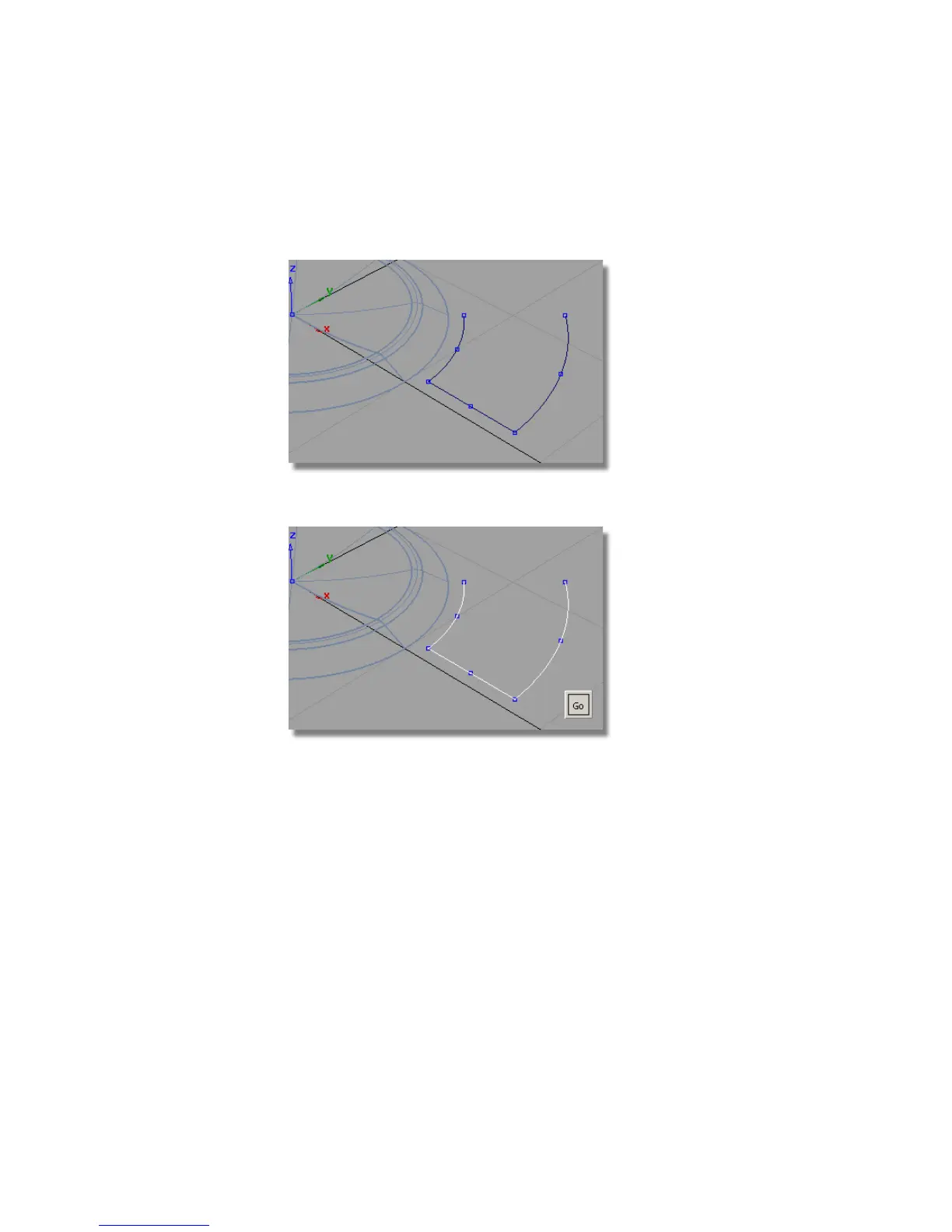
Creating the Draft Surfaces
1 Maximize the Perspective window.
2 Choose Pick > Object and select all the curves.
3 Choose Surfaces > Draft Surfaces > Draft/Flange and double-click to open
the option window.
Modify the settings to Draft Angle -2 degrees, and a Surface Depth
of 2 mm
486 | Chapter 7 Modeling an MP3 Player



 To Next Page