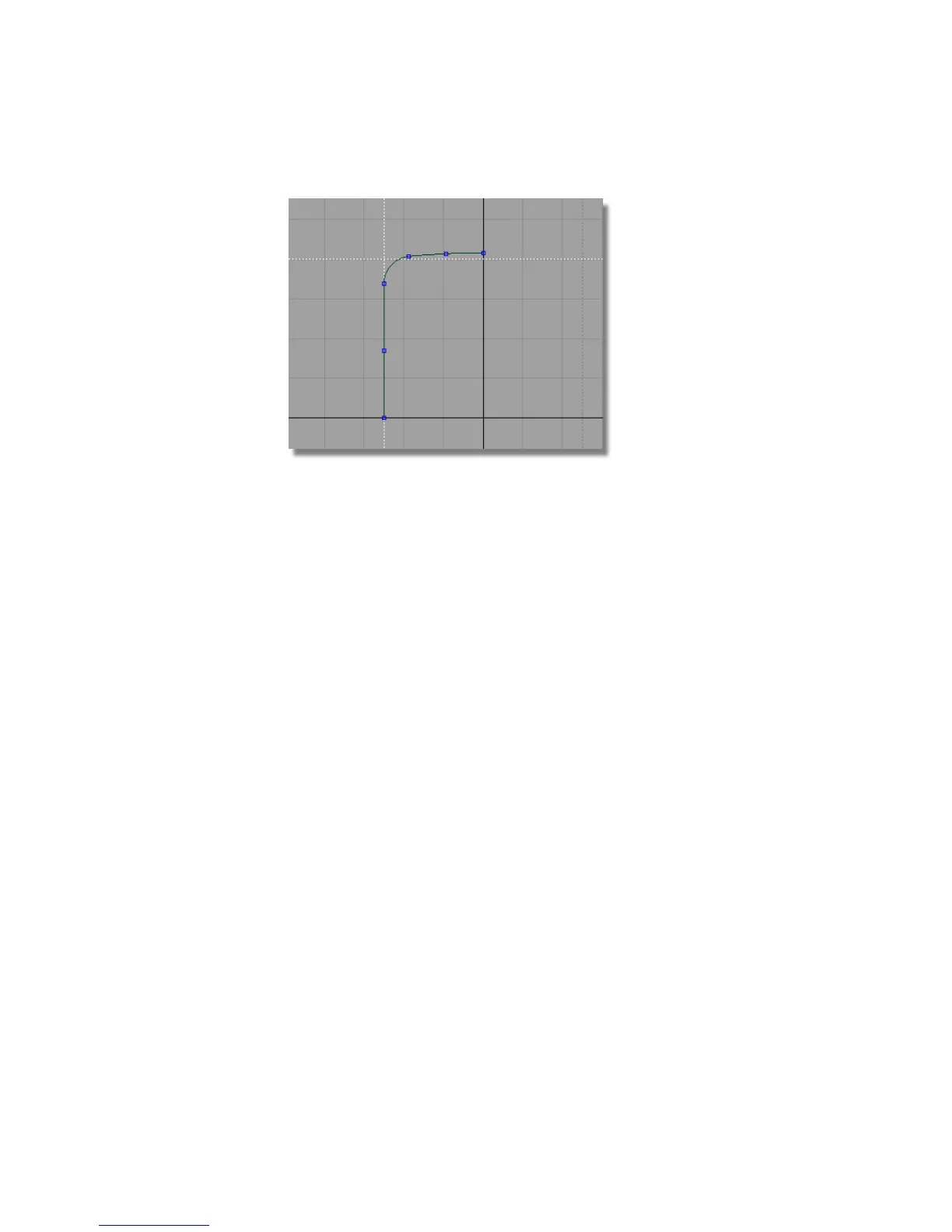
To delete the guidelines, choose Delete > Delete Guidelines from the
menu.
Save your work
1 Choose File > Save As to save the current scene.
2 Save your work in the wire directory of the Lessons project.
3 Name your file myMP3Player.wire.
For information on creating the Lessons project, or saving your work, see
Saving your work in a Windows environment on page 96or Saving your work
in a Mac OS X environment on page 100.
Part 2: Creating the Side Surfaces
The design of the MP3 player features chamfered sides. You will now use the
Draft and Flange tools to create the side surfaces and a split-line feature.
The dimensions for the casing are shown below.
414 | Chapter 7 Modeling an MP3 Player



 To Next Page