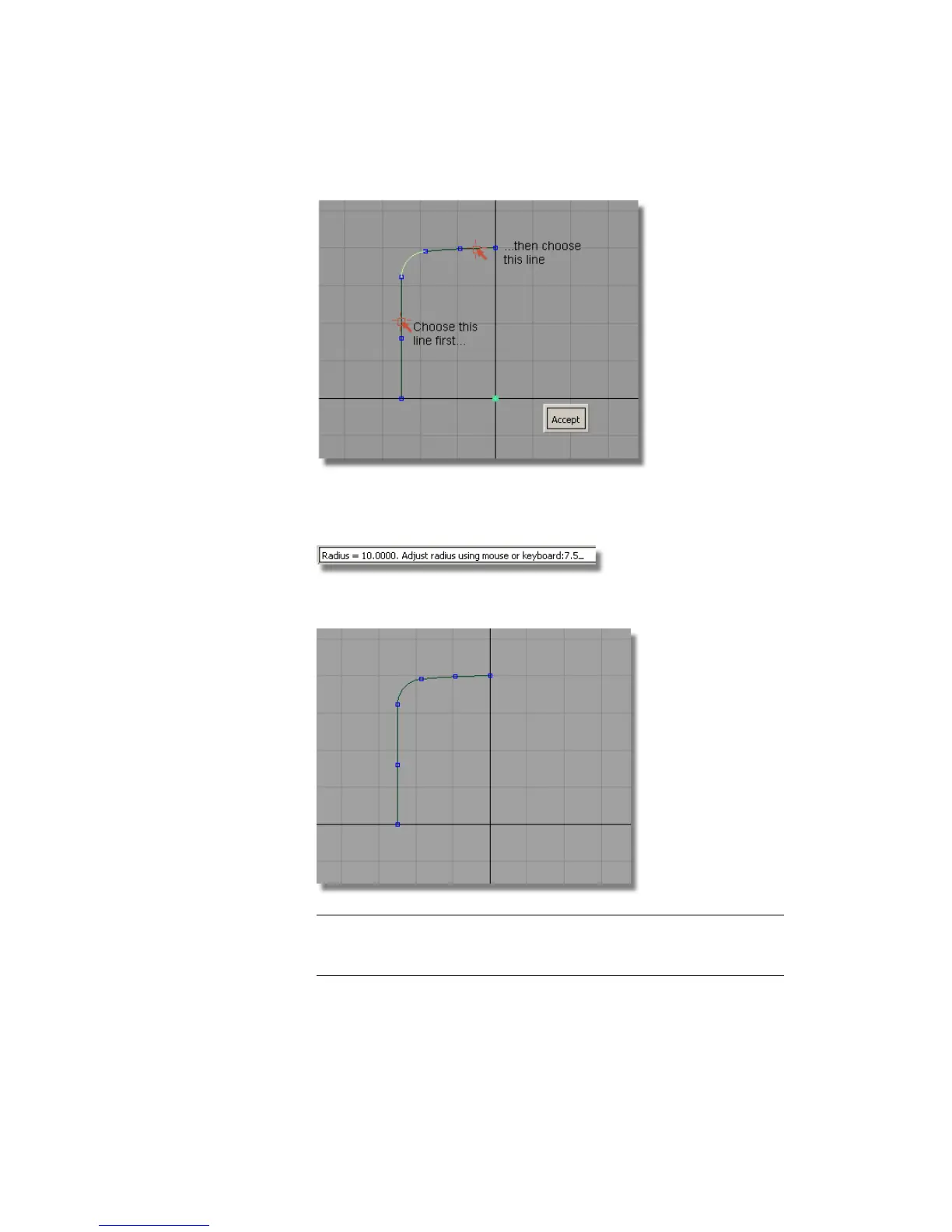
13 Pick the arc.
14 When prompted to adjust the fillet radius, type in a value of 7.5.
15 Click Accept to create the fillet curve.
TIP Guidelines may be created when you use keypoint curves. They appear
as dotted lines which highlight when the cursor is near. They can be useful
when laying out a design, but you don’t need them for this tutorial.
Part 1: Creating the Casing Curves | 413



 To Next Page