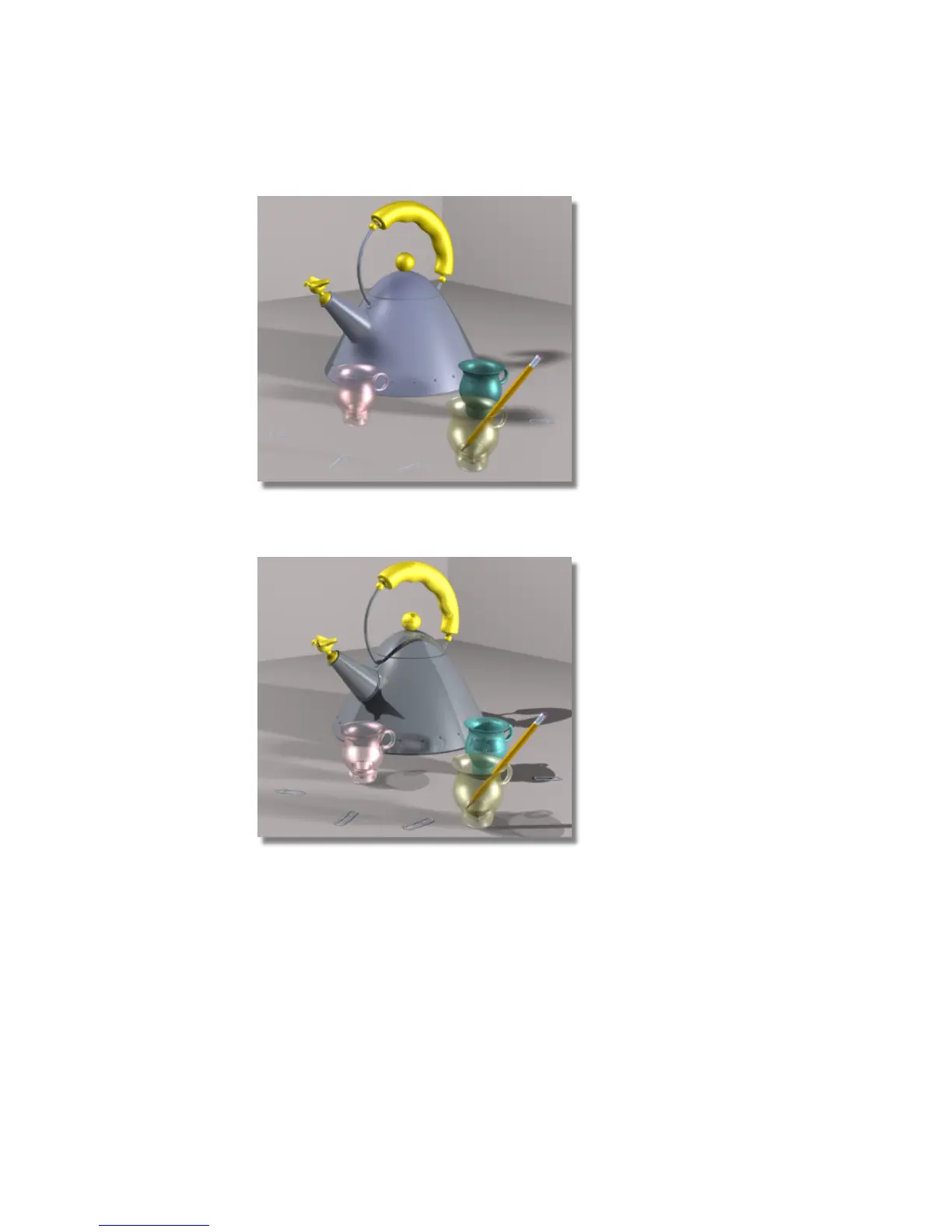
Raytrace - This rendering type gives a smooth shaded rendering of the scene
that includes reflections, refractions, and shadows.
Render globals
Before rendering, you must decide on both the size of the image and how
detailed the image will be. The Render Globals window, under the Render
menu, is used to set the size and resolution of the image, the quality of
anti-aliasing, the raytrace rendering limits, and many other rendering
610 | Chapter 9 An introduction to Rendering



 To Next Page