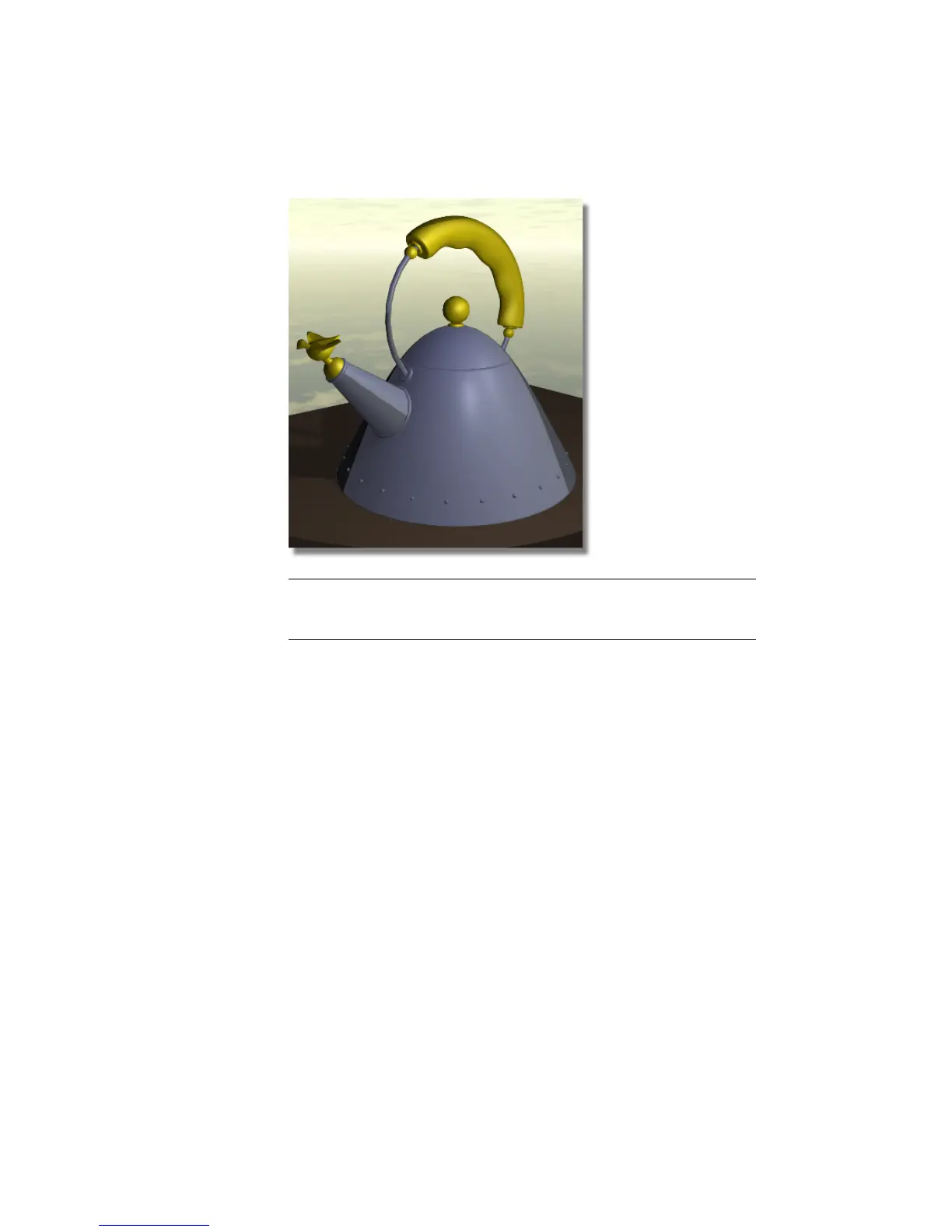
NOTE The sky texture is in the background of the image. Because the sky
texture surrounds the scene, if you moved the camera angle and re-rendered
the scene, you would see the sky from another position.
4 Click the close box in the Render Monitor window and the rendered
image window to close them.
Save your work
1 Save your work in the wire file of the Lessons directory.
2 Name your file myadv_rend2.wire.
Part 3: Creating a 3D solid texture
Next, you will create a granite 3D solid texture that will be used for the
tabletop.
702 | Chapter 11 More rendering



 To Next Page