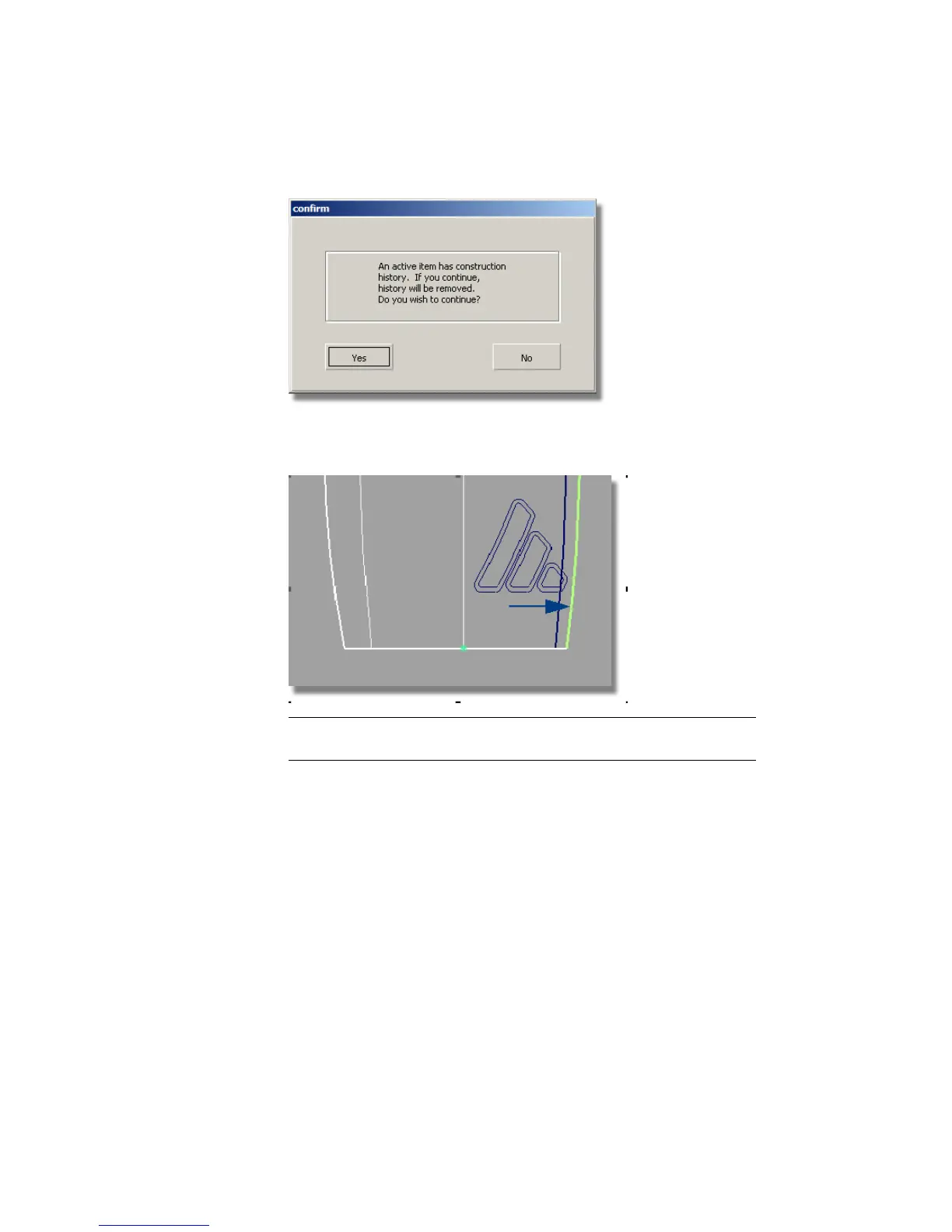
13 The edge is still highlighted. Click and carefully drag the left mouse button
to extend the surface just beyond the inner logo curves.
TIP If you over-extend the surface, type in 0 at the prompt line to return the
surface to its original shape.
Trimming the Offset Surfaces
Now, you will project the curves onto the offset surface, so it can be trimmed
to the inner logo shapes.
1 Choose Surface Edit > Create CurvesOnSurface > Project .
2 When prompted to select the surfaces, select the offset surface and click
Go.
580 | Chapter 8 Modeling a Sports Shower Gel Bottle



 To Next Page