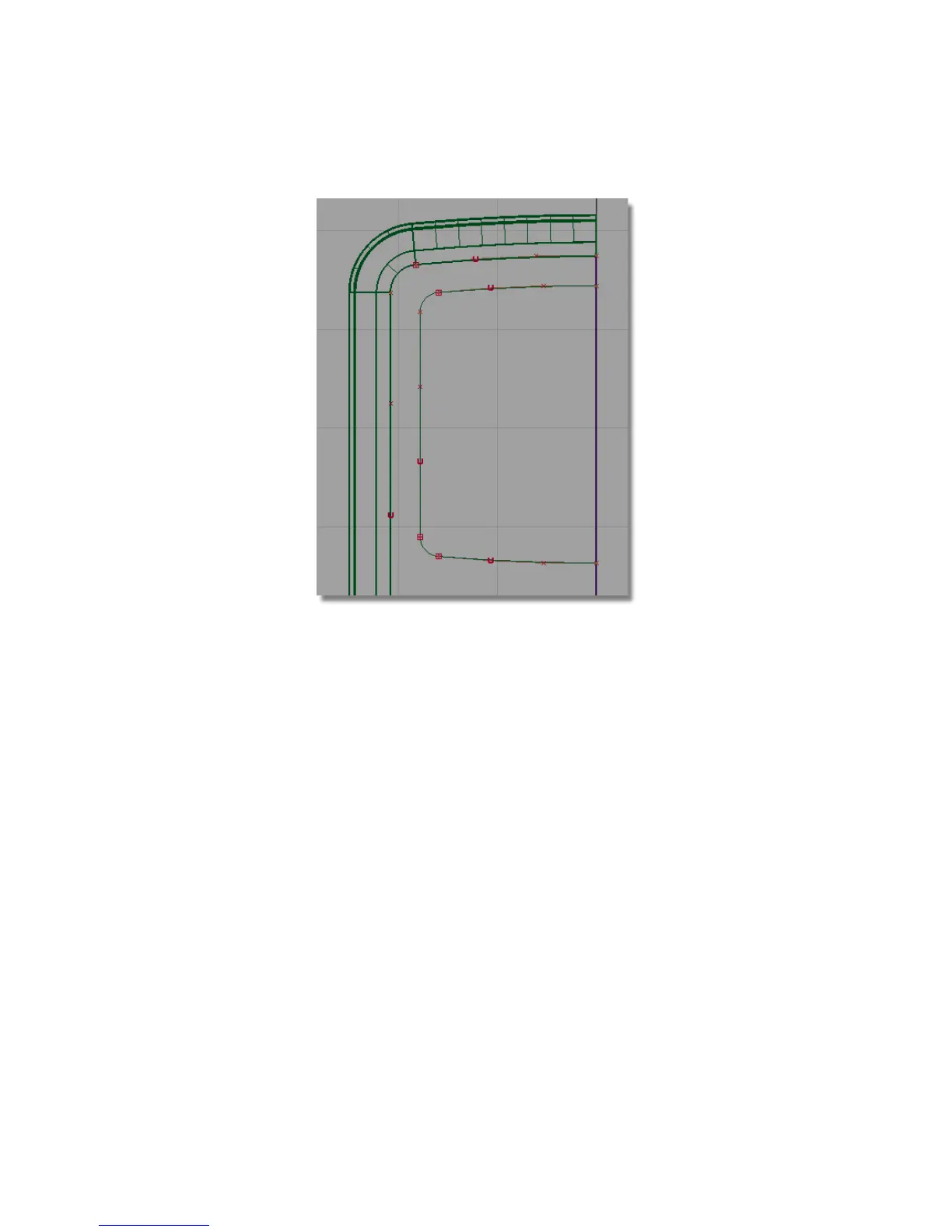
Projecting the Screen Curves
Next, you will Project the curves onto the front surface to cut out the screen
shape.
The direction of projection is determined by the active window: the curves
will be projected perpendicular to the active window.
By continuing to work in the Top window, you will be setting the direction
of projection correctly.
1 Choose Surface Edit > Create CurvesOnSurface > Project .
2 You are prompted to select a surface. Pick the plane surface, and click
Go.
Part 4: Creating the Screen Recess | 451



 To Next Page