Completing the Front Casing
The MP3 Player casing is made from two similar components, the front and
the back casing. You will complete the front and rear casings using the mirror
tool and Layer symmetry.
First you will create the lower quarter of the front casing.
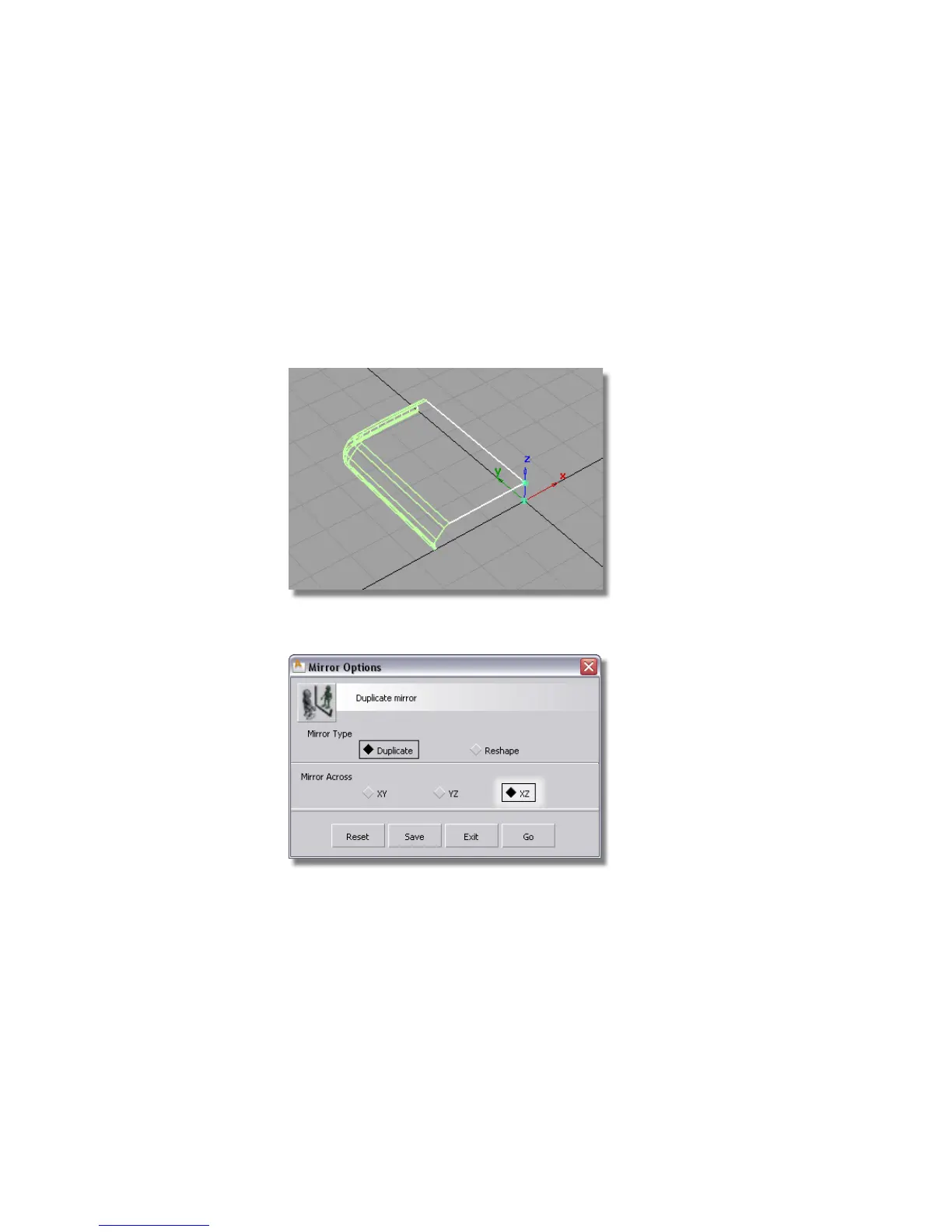
1 Choose Pick > Object and drag a selection box over all the surfaces to
select them.
2 Choose Edit > Duplicate > Mirror ❒ to open the mirror option window.
3 Choose the XZ plane and click Go.
436 | Chapter 7 Modeling an MP3 Player



 To Next Page