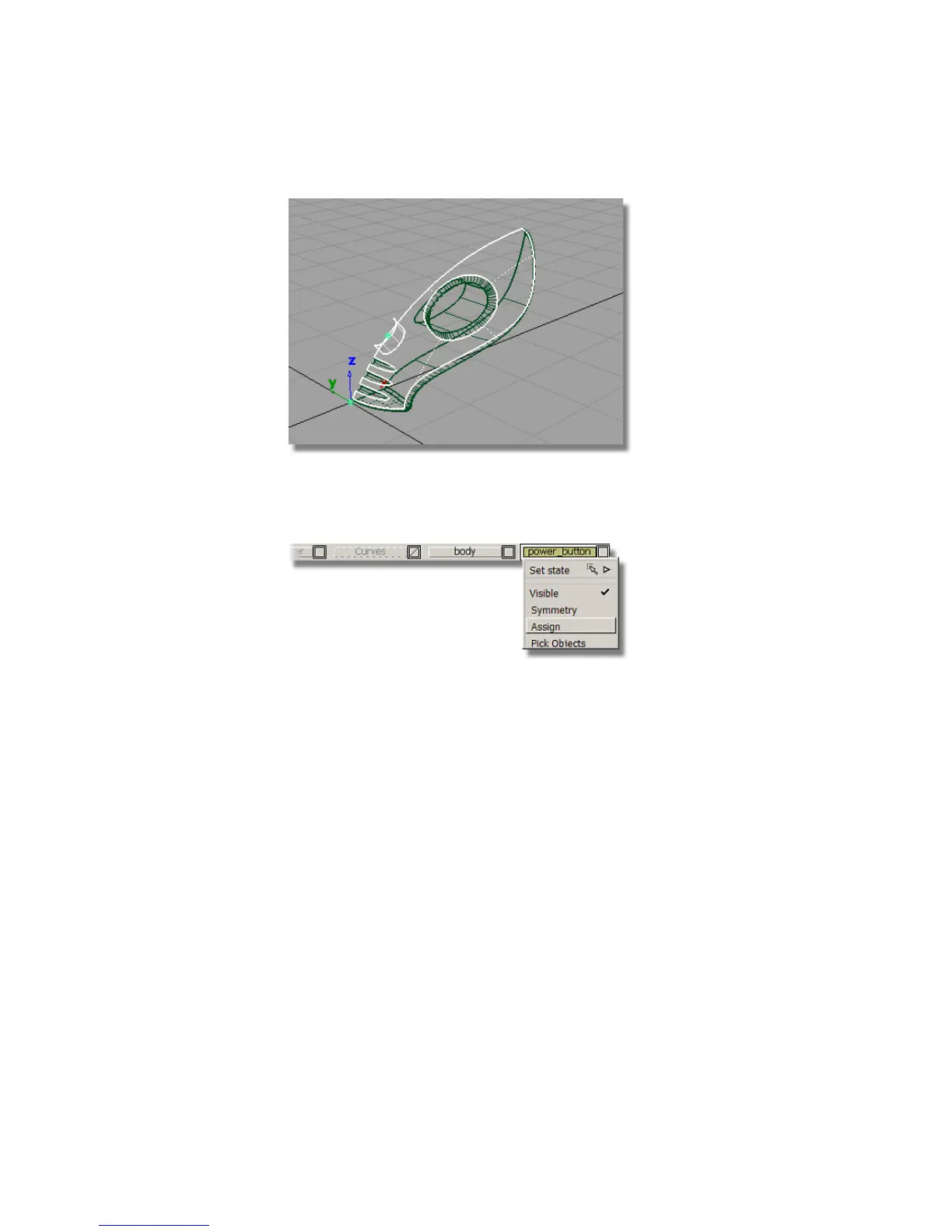
10 On the Layer Bar, click and hold on the power_button layer to view
the pull-down menu. Choose Assign to assign the two copied surfaces
onto the layer.
You now have two copies of the cylinder and top surface, one on the
body layer, and one on the power_button layer.
11 Choose Pick > Nothing to deselect the surfaces.
Creating the power button
Next, you will use the copied surfaces to create the power button. You will
use the Surface fillet tool to trim and round the edge of the power button.
1 On the Layer Bar, click and hold on the body layer to see the
pull-down menu. Choose Visible to make the body surfaces invisible.
356 | Chapter 6 Modeling a Vacuum Cleaner



 To Next Page