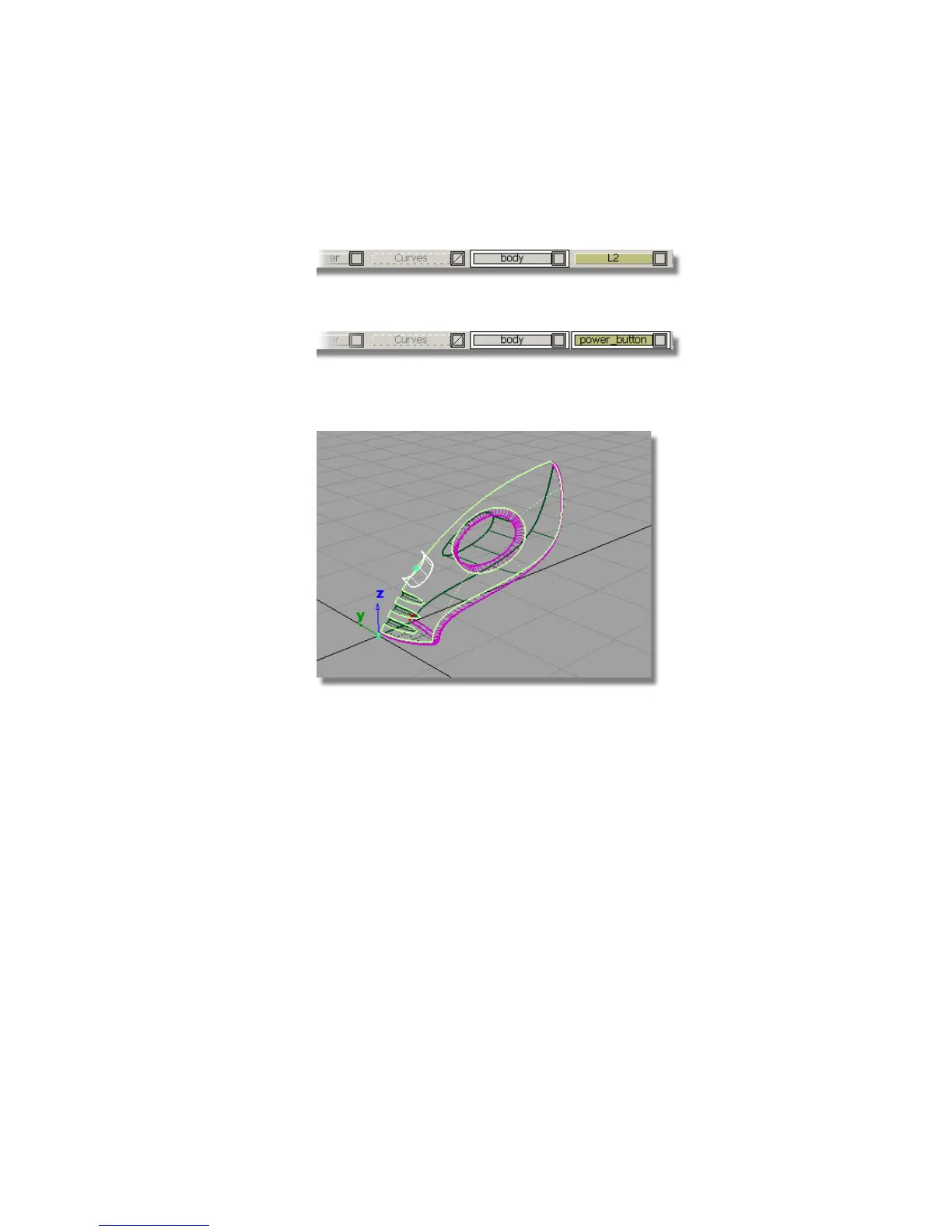
6 Now, you will create a second layer for the power button.
Choose Layers > New to create a layer.
7 Rename the layer power_button.
8 Choose Pick > Object . Pick the half cylinder and the upper surface of the
vacuum body.
9 Choose Edit > Copy followed by Edit > Paste . The two surfaces are copied
and left selected.
Part 6: Power Button | 355



 To Next Page