Creating the Generation Curves
Previously, you used the Align tool to create tangent continuity between two
surfaces. Now, you will use the Align tool to create a tangent relationship
between a curve and the edge of a surface.
To keep the Birail surface smooth and taut, you will use a curve with only 3
CVs to define the character of the blend. Two CVs will control tangent
continuity to the label surface, and the third will control positional continuity
to the body surface.
TIP Using the minimum number of CVs needed in a curve or a surface helps to
keep your model light and smooth.
1 Zoom in to the area at the top of the label.
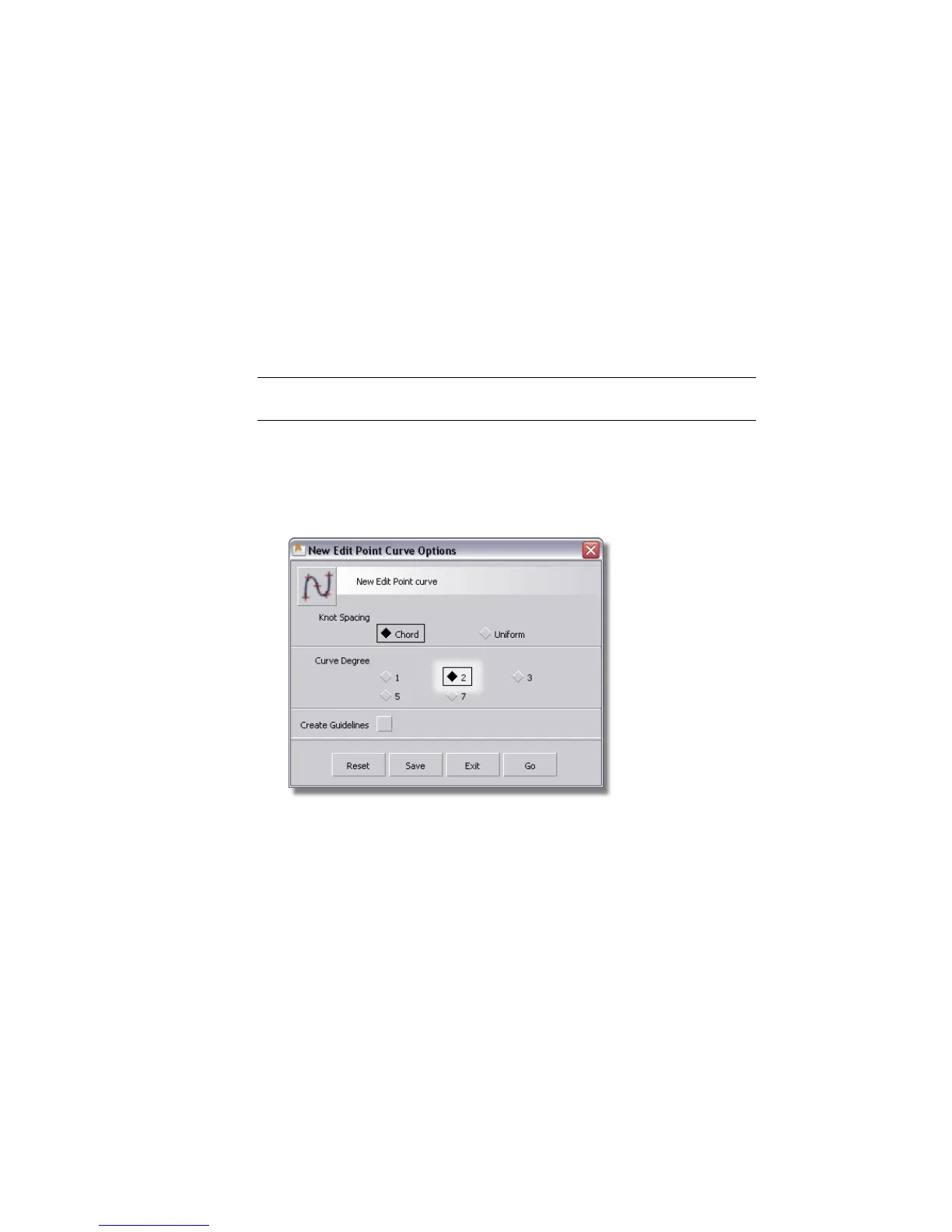
2 Choose Curves > New Curves > New Edit Point Curve.
3 Double-click to open the option window. In the Curve Degree section
choose 2. This will create a single-span curve with only 3 CV points.
4 Use Curve Snap (Ctrl + Alt (Windows) or Control + Command (Mac) keys
together) and click the edge of the body surface. Then, without releasing
the mouse button, drag to the bottom of the edge until the blue cross
turns to a yellow one, confirming that you have accurately reached the
corner of the surface.
556 | Chapter 8 Modeling a Sports Shower Gel Bottle



 To Next Page