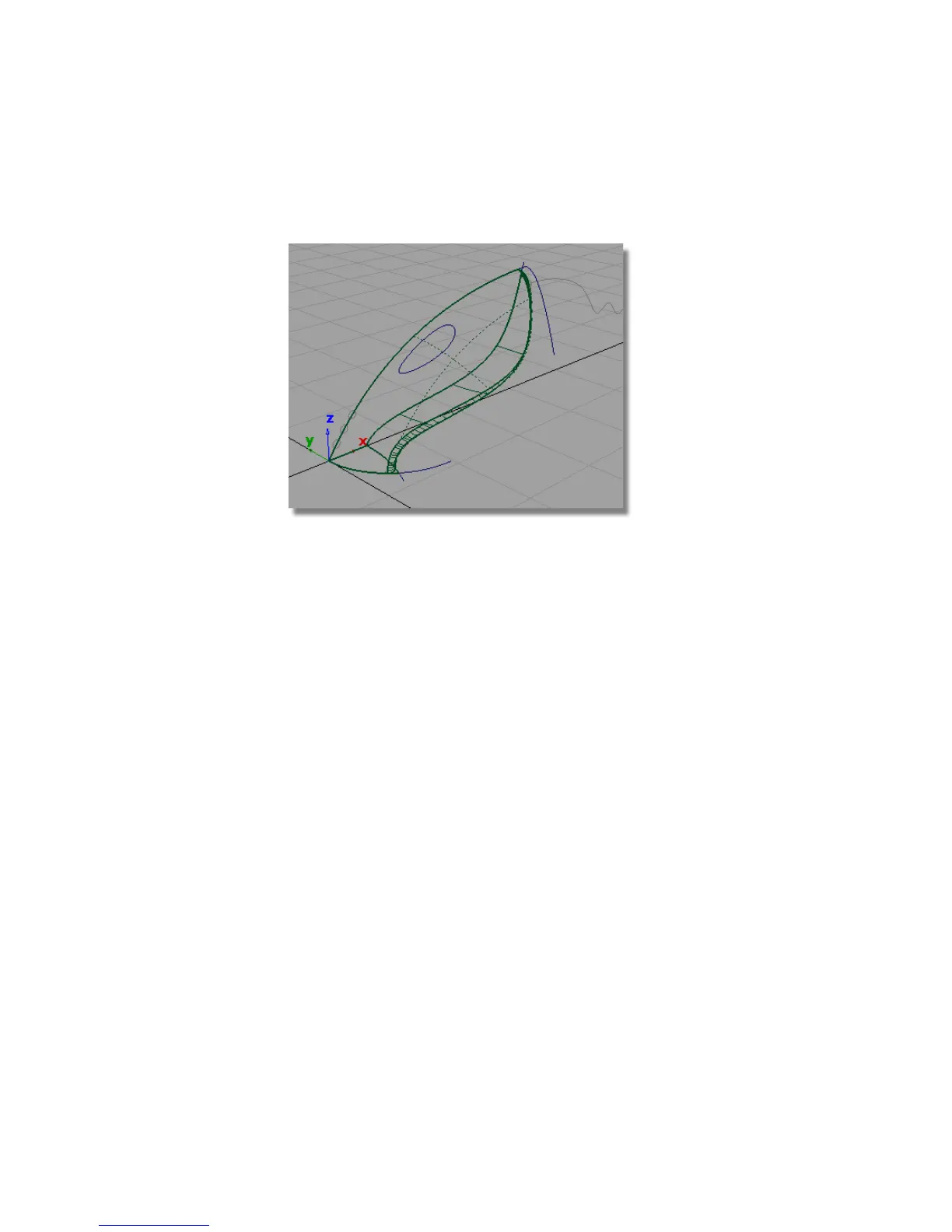
13 Choose Pick > Nothing or press Enter (Windows) or Return (Mac) to deselect
all the surfaces.
Creating the nozzle fillet
The Surface Fillet tool can be used in different modes. The default mode, which
you used for the body fillet, is to create a circular fillet. This creates a constant
radius surface along the length of the fillet surface.
For the nozzle, you will create a chordal fillet. A chordal fillet maintains a
constant width of surface, instead of a constant radius. This will produce a
more regular surface when the angle between the two main surfaces varies
along their edge.
1 Choose Surfaces > Surface Fillet . Double-click the icon to open the surface
fillet option box. In the Advanced tab, the flow control settings are
currently set to Edge Align for the start and end.
316 | Chapter 6 Modeling a Vacuum Cleaner



 To Next Page