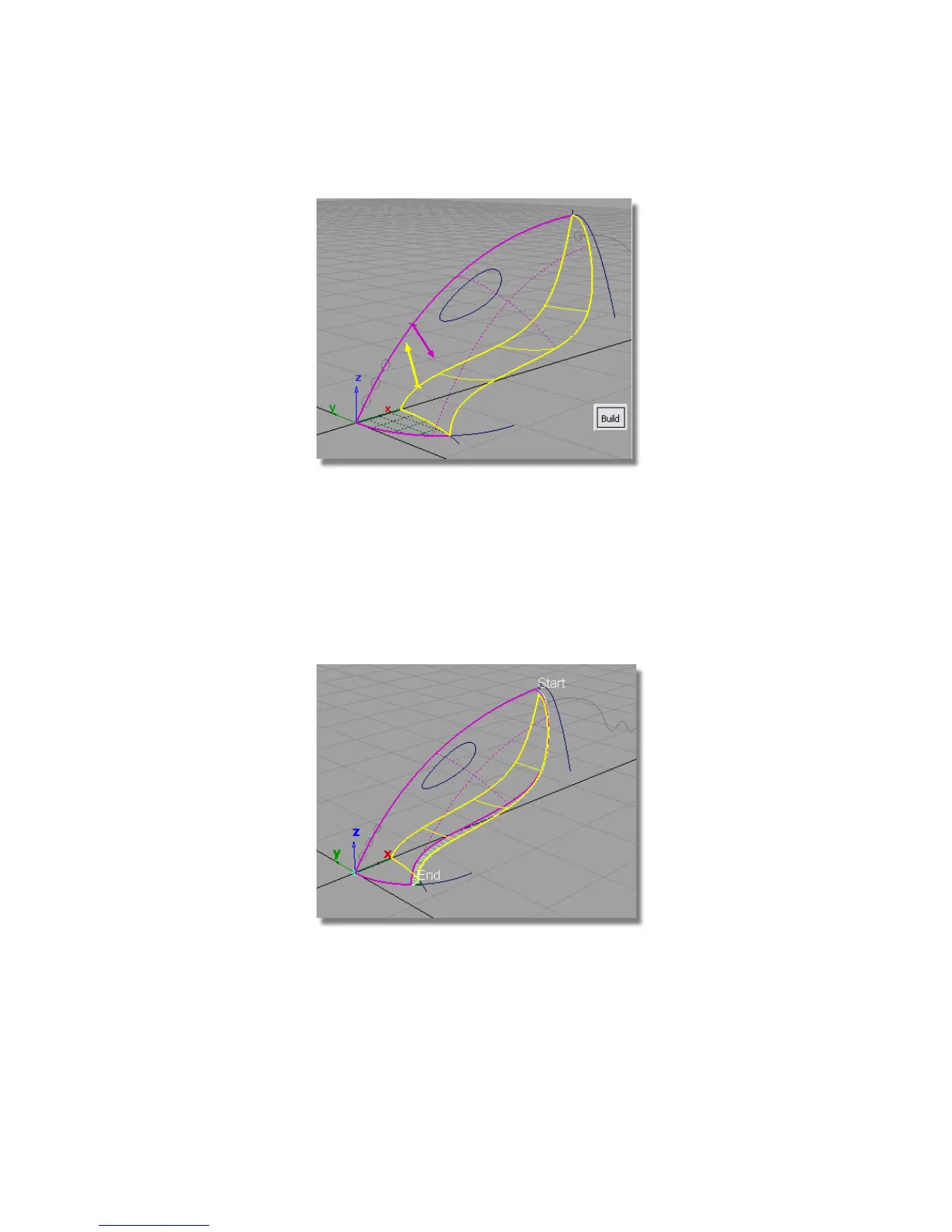
For the upper surface, the pink arrow needs to point inwards towards the
inside of the vacuum cleaner body. If it is pointing out from the surface,
then click it to reverse it.
The yellow arrow for the lower surface also needs to point inwards toward
the inside of the vaccum cleaner body. If it isn’t, click it to reverse its
direction.
12 Click Build.
The fillet surface is created, and the upper and lower surfaces are trimmed.
Part 3: Surface Fillet | 315



 To Next Page