Watch Part 6 of the tutorial.
Deleting Construction History
All the surfaces are currently shown in dark green. This indicates that they
have construction history, which means that when the curves are modified
the surfaces will update.
In this section of the tutorial, instead of using the curves to modify the surfaces,
you will be modifying the surfaces directly.
To do this, you will first delete the construction history for the surfaces.
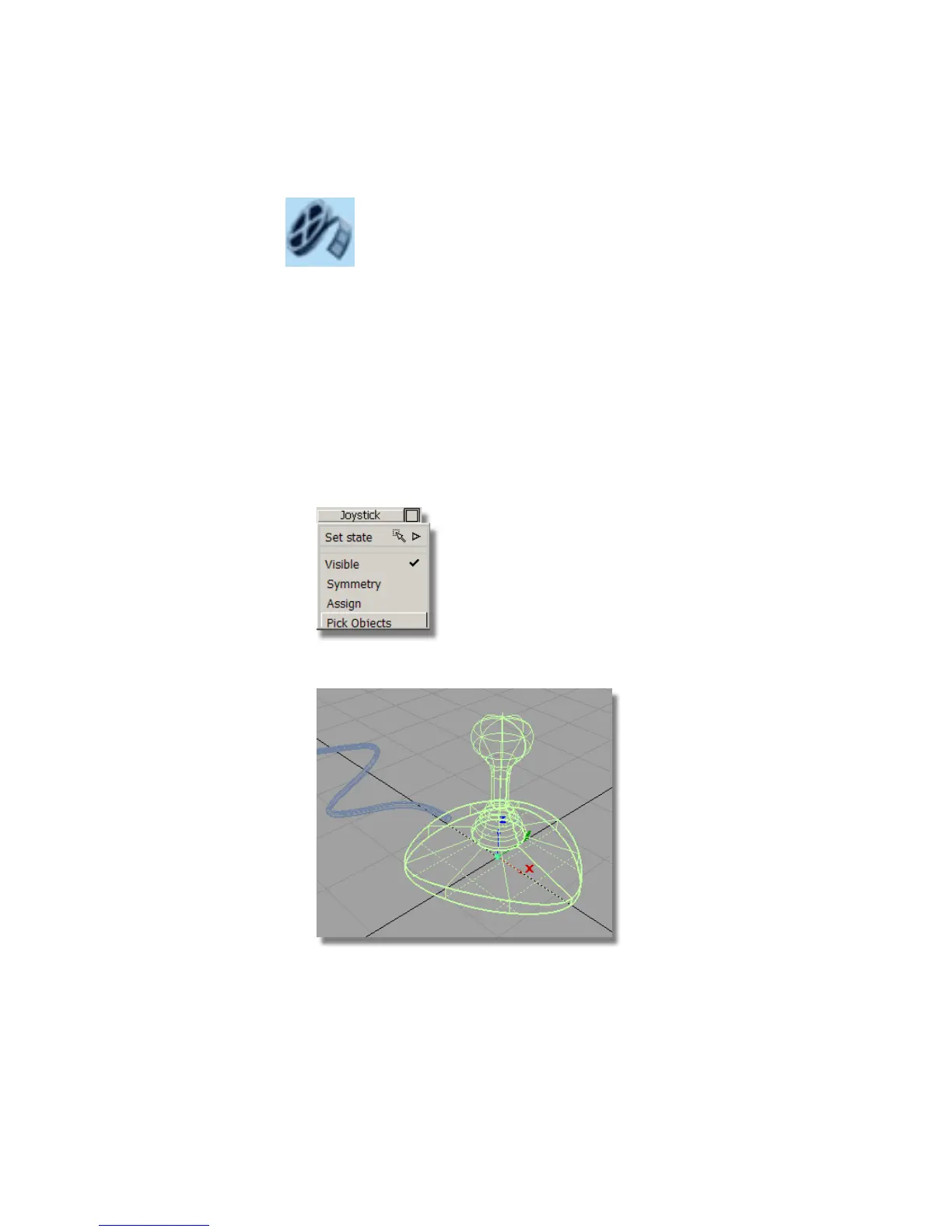
1 On the Layer Bar, use the left mouse button to click the Joystick layer,
and select Pick Objects from the pull-down menu.
All the joystick surfaces are selected.
Part 6: Directly modifying surfaces | 235



 To Next Page