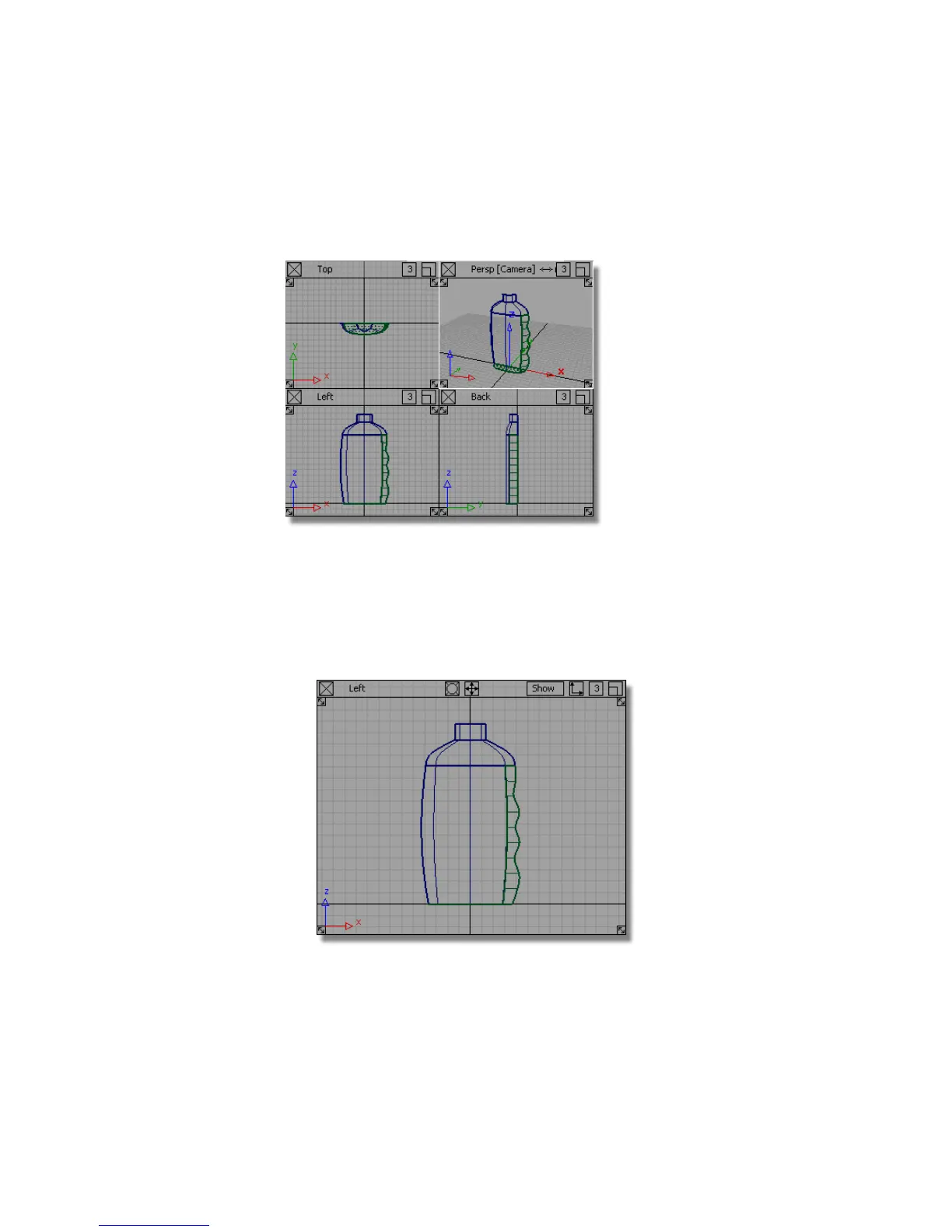
If you were not successful in part 2, open the file called showergel_part3.wire,
located in the wire directory of the CourseWare project. This file contains the
completed model from Part 2.
Trimming the Label Area
First, you will project the label shape curve onto the bottle surface. The
projection direction will be determined by the active window, so you will use
the Left window.
1 Maximize the Left window.
Part 3: Label Surface | 545



 To Next Page