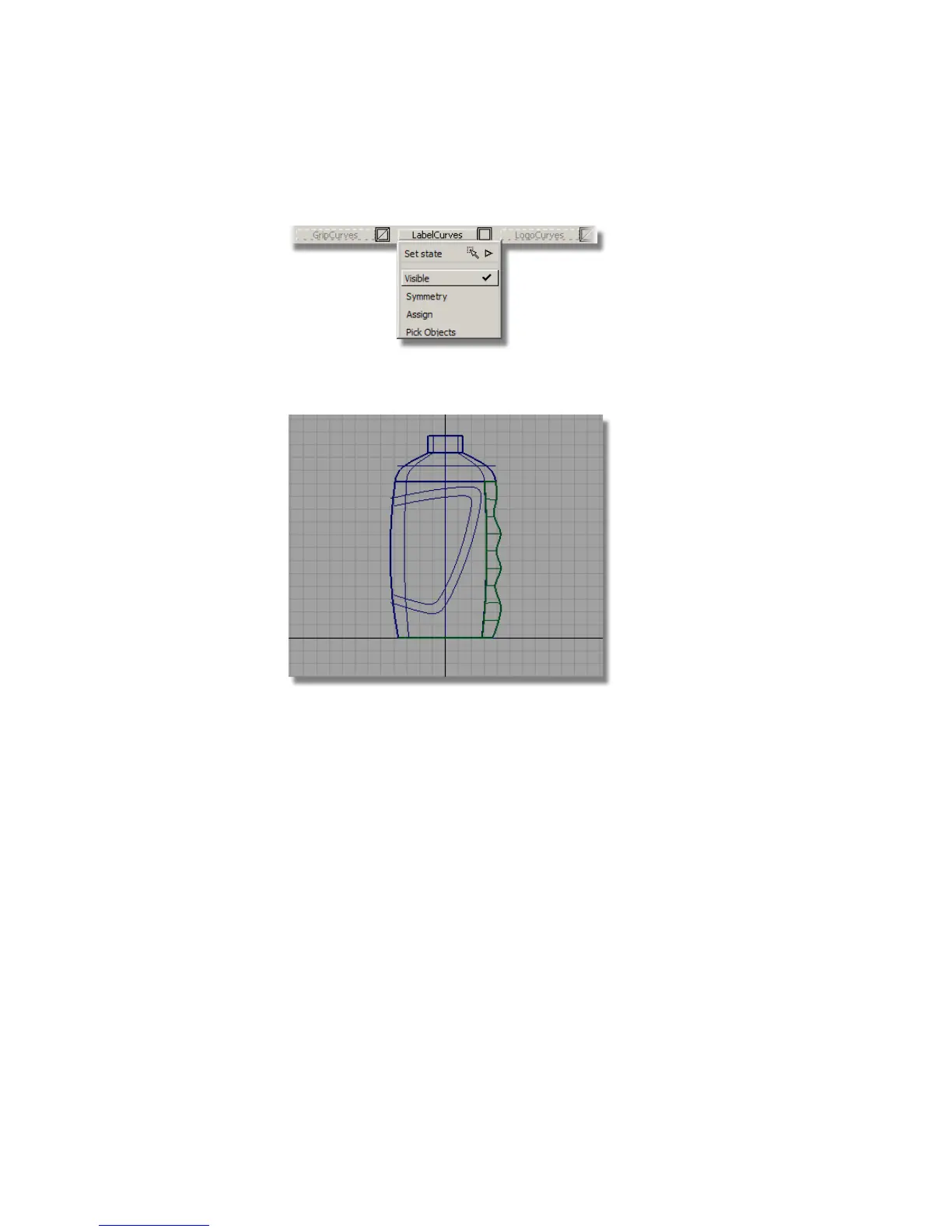
2 Make the LabelCurves layer visible.
The layer has two curves for the outline of the label. The outer curve will
be used to trim away the main body surfaces.
Now, you will Project the outer label curve onto the body surface.
3 Choose Surface Edit > Create CurvesOnSurface > Project .
4 You are prompted to select a surface. Click the main bottle surface to
select it.
546 | Chapter 8 Modeling a Sports Shower Gel Bottle



 To Next Page