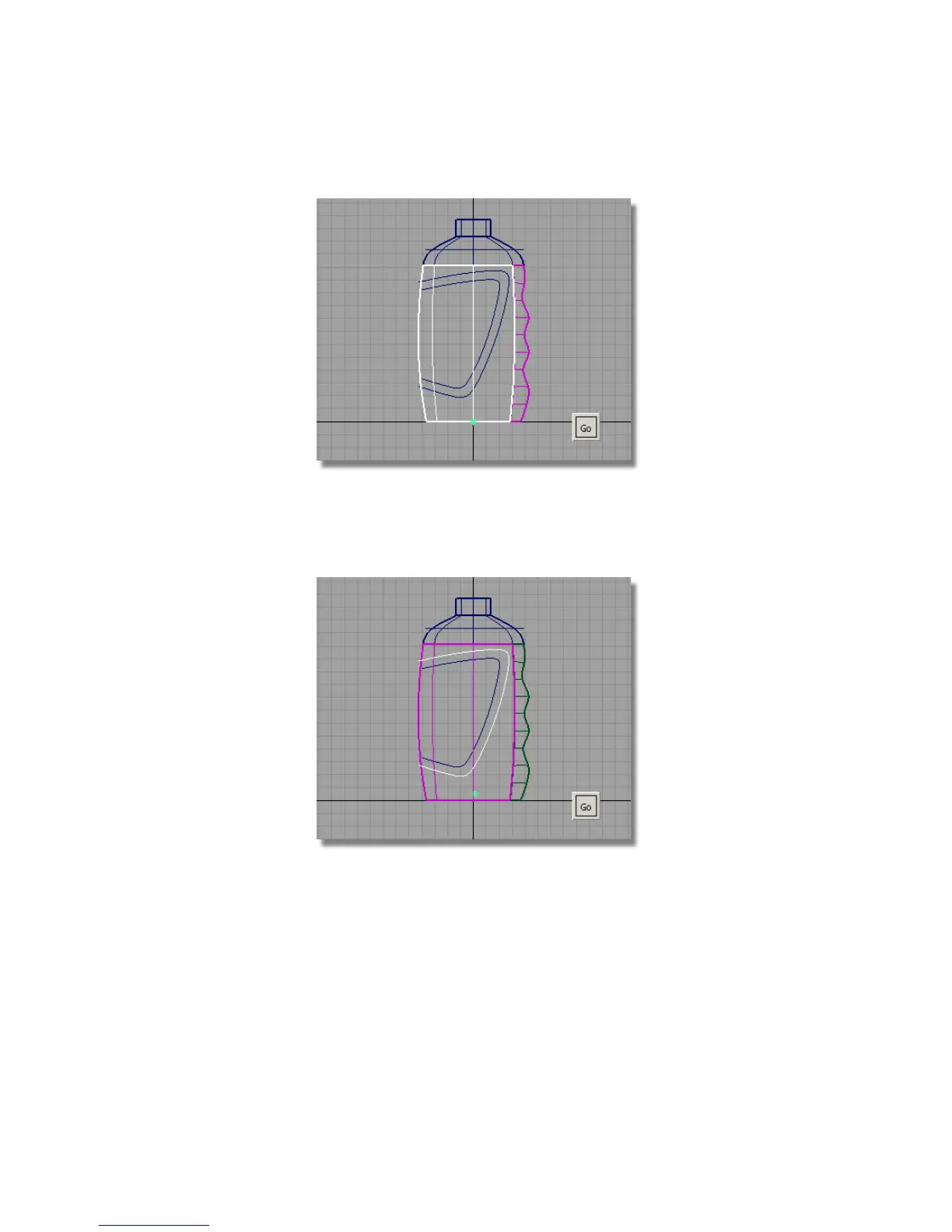
5 Click Go to accept the surface.
You are then prompted to select the projecting curves.
6 Click the outer label curve to select it, and then click Go.
The curve is projected onto the surface.
7 Maximize the Perspective view to see the curves-on-surface more clearly.
Part 3: Label Surface | 547



 To Next Page