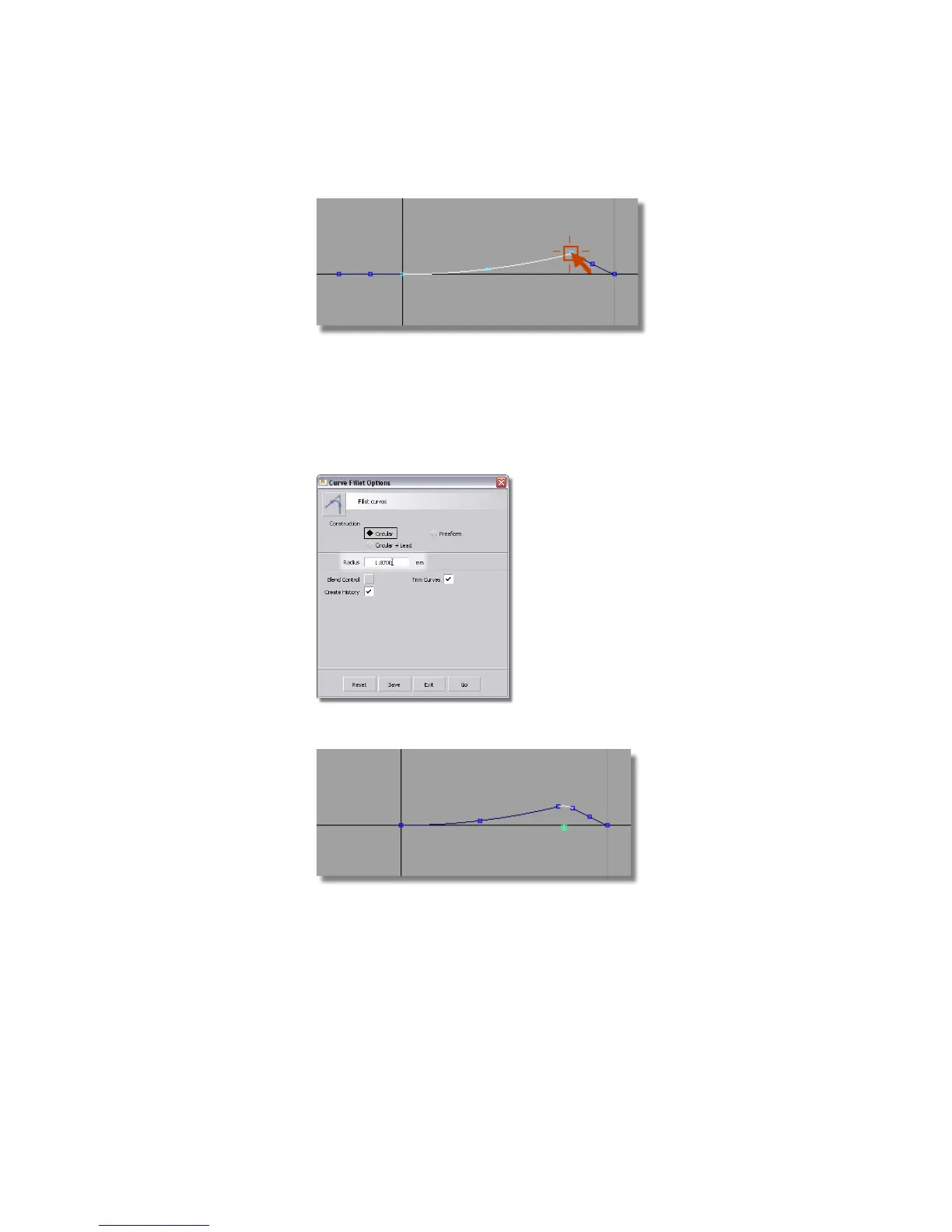
6 The horizontal line you created isn’t needed any more, so use Pick >
Object to select it and press the Delete key to remove it.
7 Choose Curve Edit > Create > Fillet Curves and double-click to open the
option window.
Change the Radius to 1.87.
Follow the prompts to create a 1.87-mm radius fillet between the curves.
Revolving the Surfaces
Now you will revolve the profile curves to create the button surfaces.
Part 5: Center Navigation Key | 467



 To Next Page