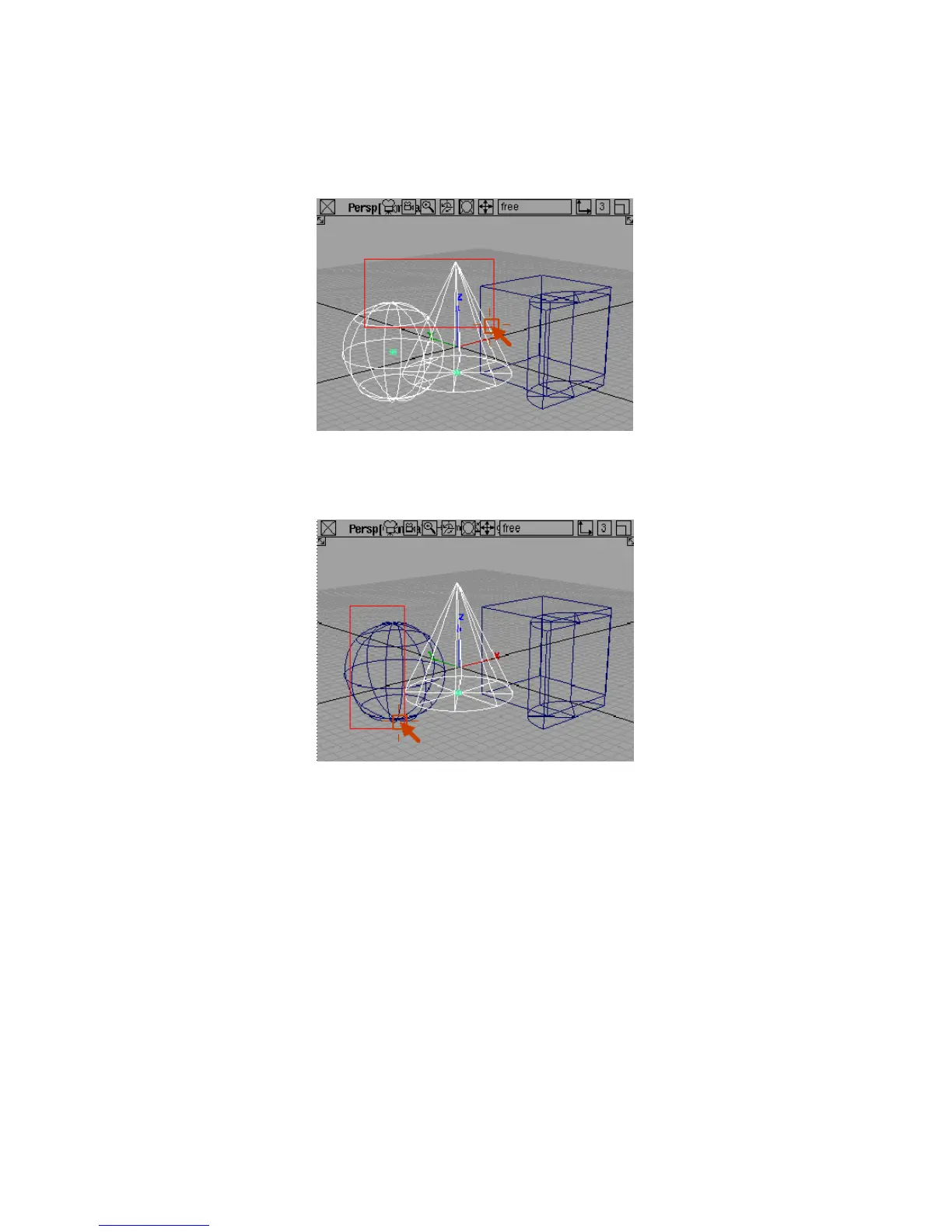
Now only the objects inside the box are picked.
4 Now drag a pick box with the right mouse button around some of the
picked objects.
Any objects inside the pick box are unpicked.
To pick by name
1 Use the middle mouse button to pick only the sphere.
2 On the Windows menu, choose Information
> Information Window.
The Information window appears.
Picking and Unpicking Objects | 39



 To Next Page