Node States
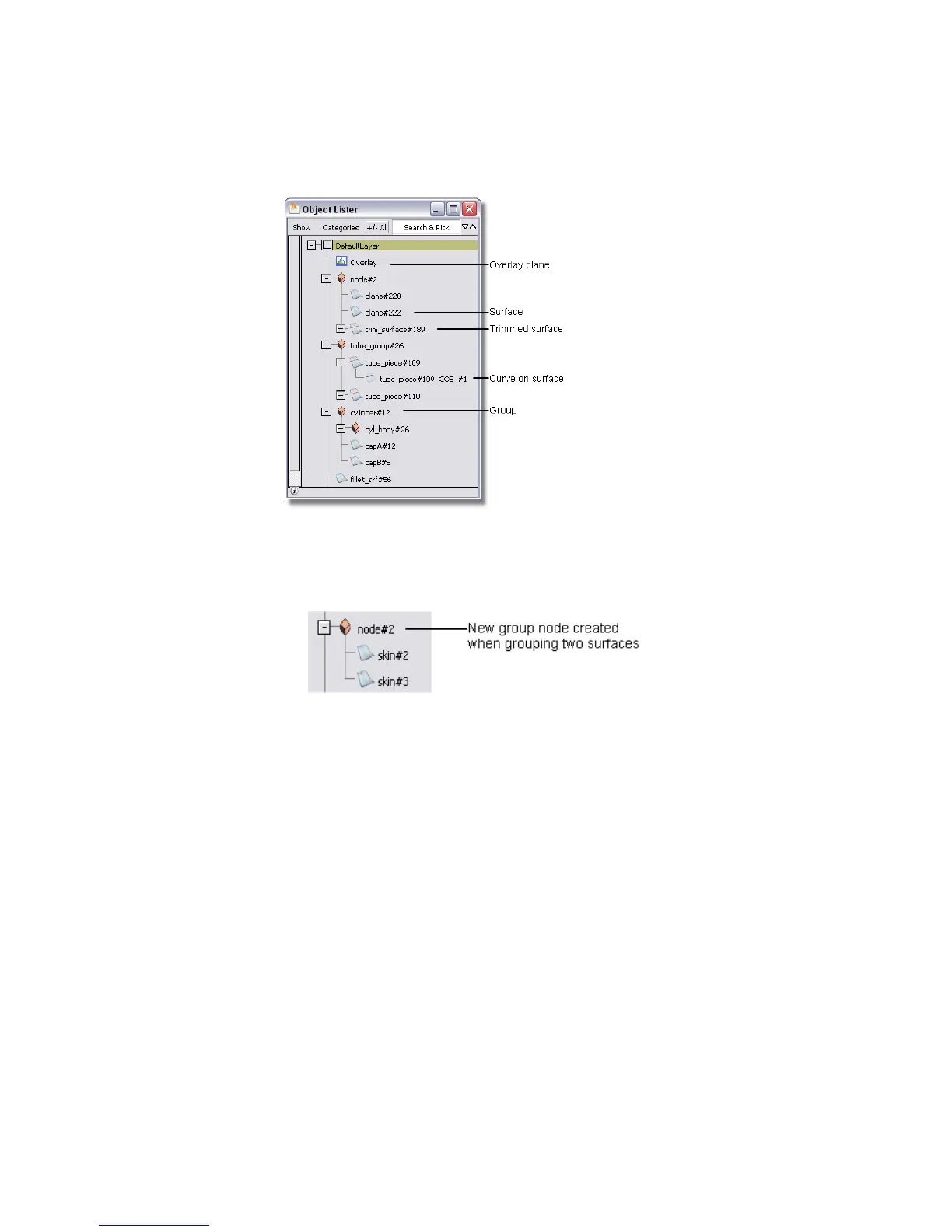
■ Grouped: you can group several objects. In the Object Lister, this is
represented by putting the objects under an orange block.
■ Instanced: you can duplicate an object as an “instance”. Instead of a new
object, an instance is just a pointer to existing geometry. It is represented
in the Object Lister as a white cube. As well, the object that has been
instanced gains a node underneath.
■ Compressed: as the Object Lister becomes busier, you may want to collapse
a part of the graph into a single node. The node with other nodes below
it has a plus sign (+) in front of it. Nodes that have been expanded and
can be collapsed have a minus sign (-) in front. Shift -click a - or + sign to
expand or compress the entire hierarchy.
■ Invisible: you can make objects in the scene invisible. Nodes for invisible
objects have gray text.
Types of Nodes | 77



 To Next Page