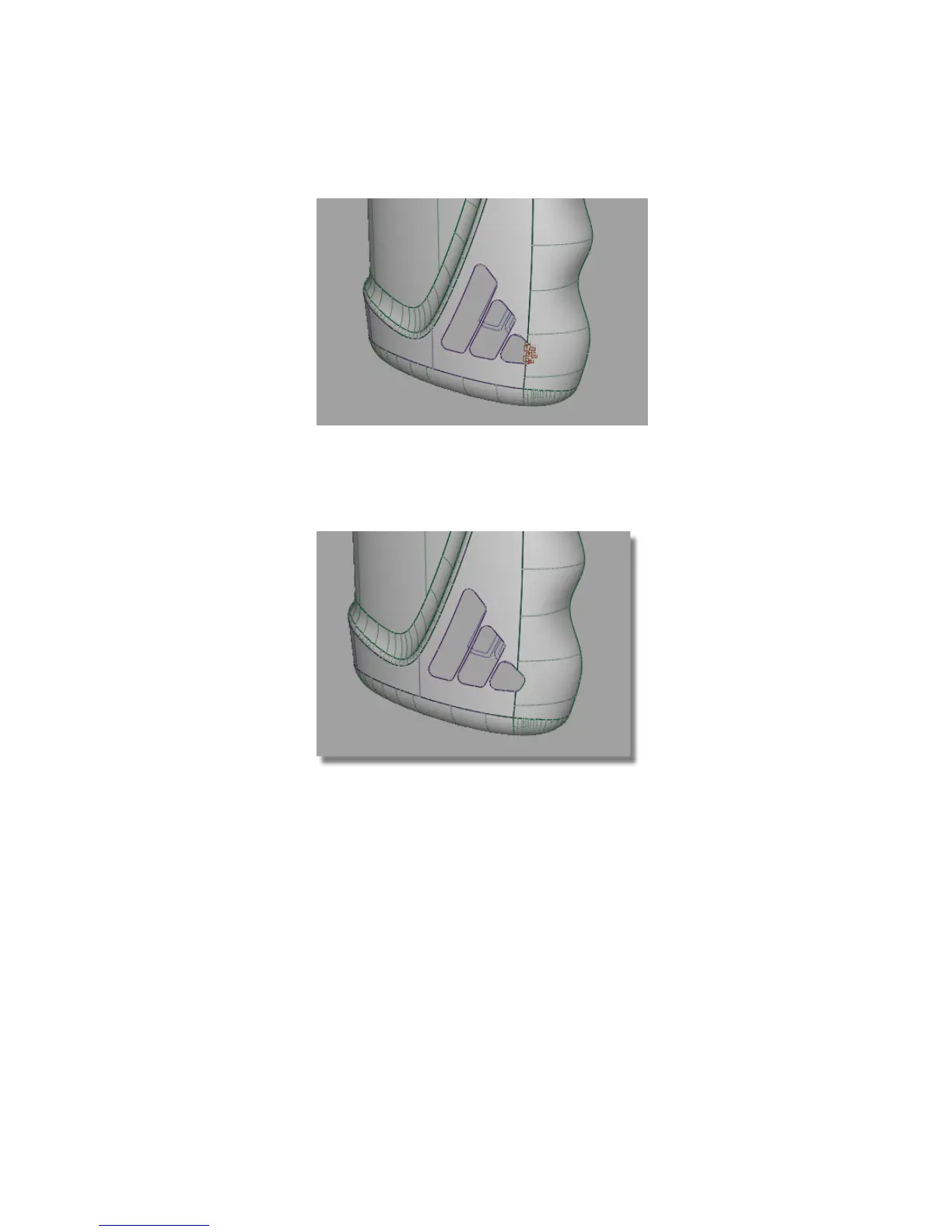
Do the same for the finger grip surface, trimming away the small corner
of the logo that crosses into the surface.
10 Select the Surface Edit > Trim > Trim Surface tool and follow the prompts
to trim the finger grip surface.
The surfaces have now been trimmed to allow the logo details to be embossed.
Creating the Offset Surfaces
To create an ‘embossed’ effect, the main bottle surface will be offset by 0.5
mm, outwards from the bottle. This will then be trimmed to the inner logo
curves.
You will first create a layer for the new offset surface.
Part 5: Embossed Logo Details | 575



 To Next Page