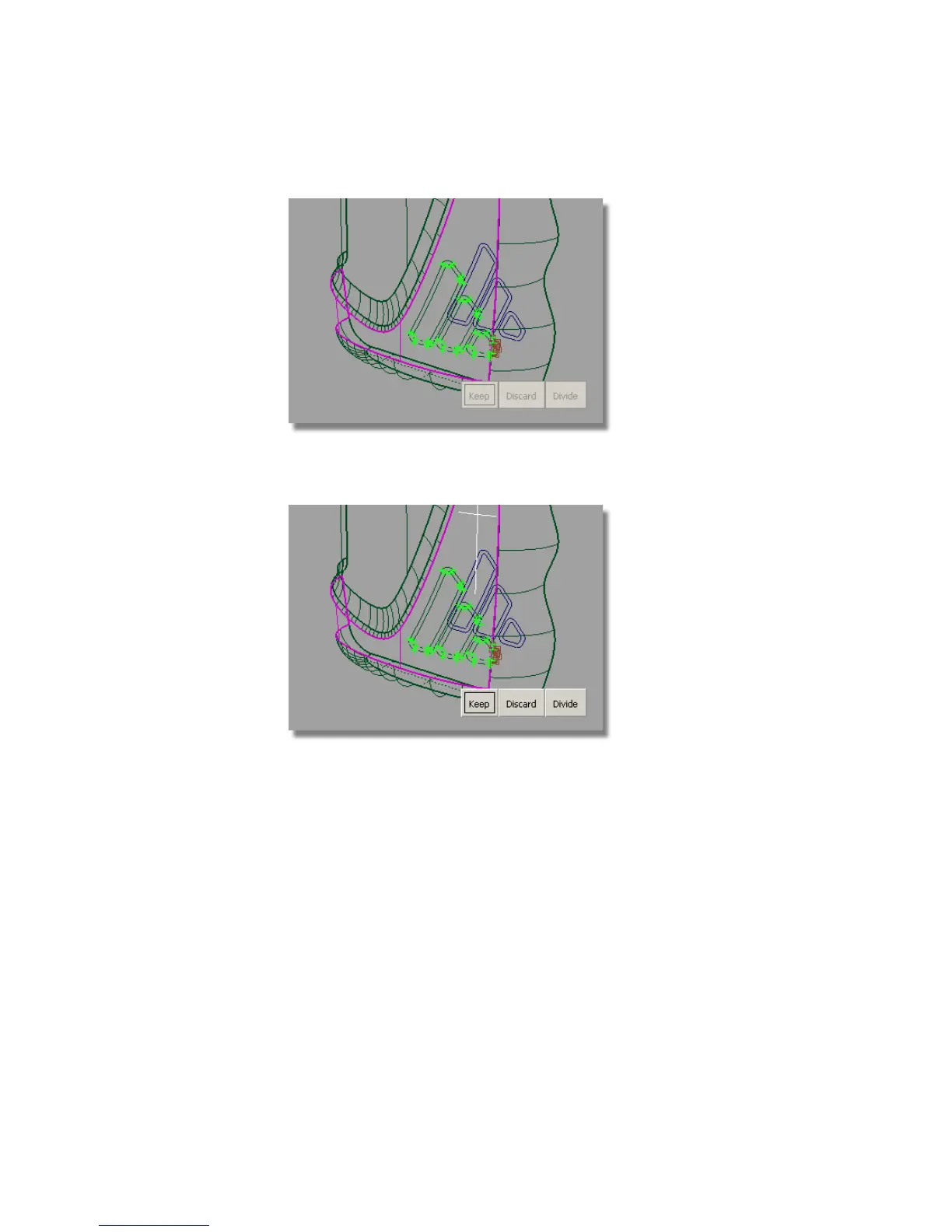
9 When prompted to select the trim regions, click the part of the bottle
surface to keep, as shown.
Click the Keep button to trim the surface.
The surface is trimmed to the outer curves, the inner curves are ignored.
574 | Chapter 8 Modeling a Sports Shower Gel Bottle



 To Next Page