In addition to editing shaders, you can also create new shaders by copying
and modifying existing shaders, or import new shaders to your model from
a library by double-clicking a shader in the library.
The Multi-lister
The Multi-lister is the full interface you use to create, edit, manage, and display
shaders, textures, lights, and the environment. You also use the Multi-lister
to access the Control Window and the Color Editor.
To open shaders in the Multi-lister
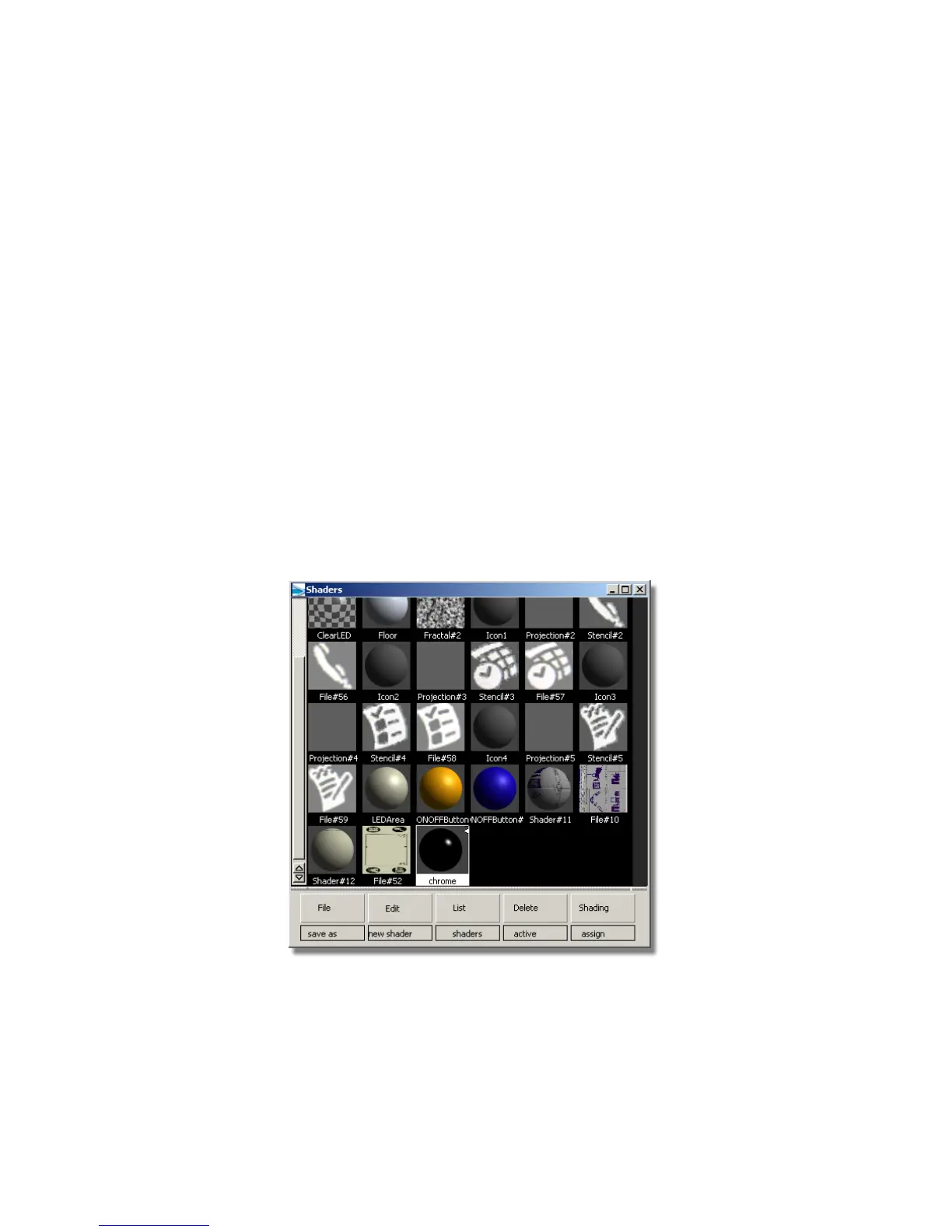
1 Choose Render > Multi-lister > Shaders. A number of shaders have been
supplied for this tutorial. You can adjust the size of the icons by clicking
the right mouse button over the background of the multi-lister, and
choosing either Large Icons or Small Icons. The images in this tutorial
show small icons.
The Chrome shader was applied to the PDA case. Next, you will edit it
to make it reflect an environment.
2 In the Shaders window, double-click the Chrome icon.
624 | Chapter 9 An introduction to Rendering



 To Next Page