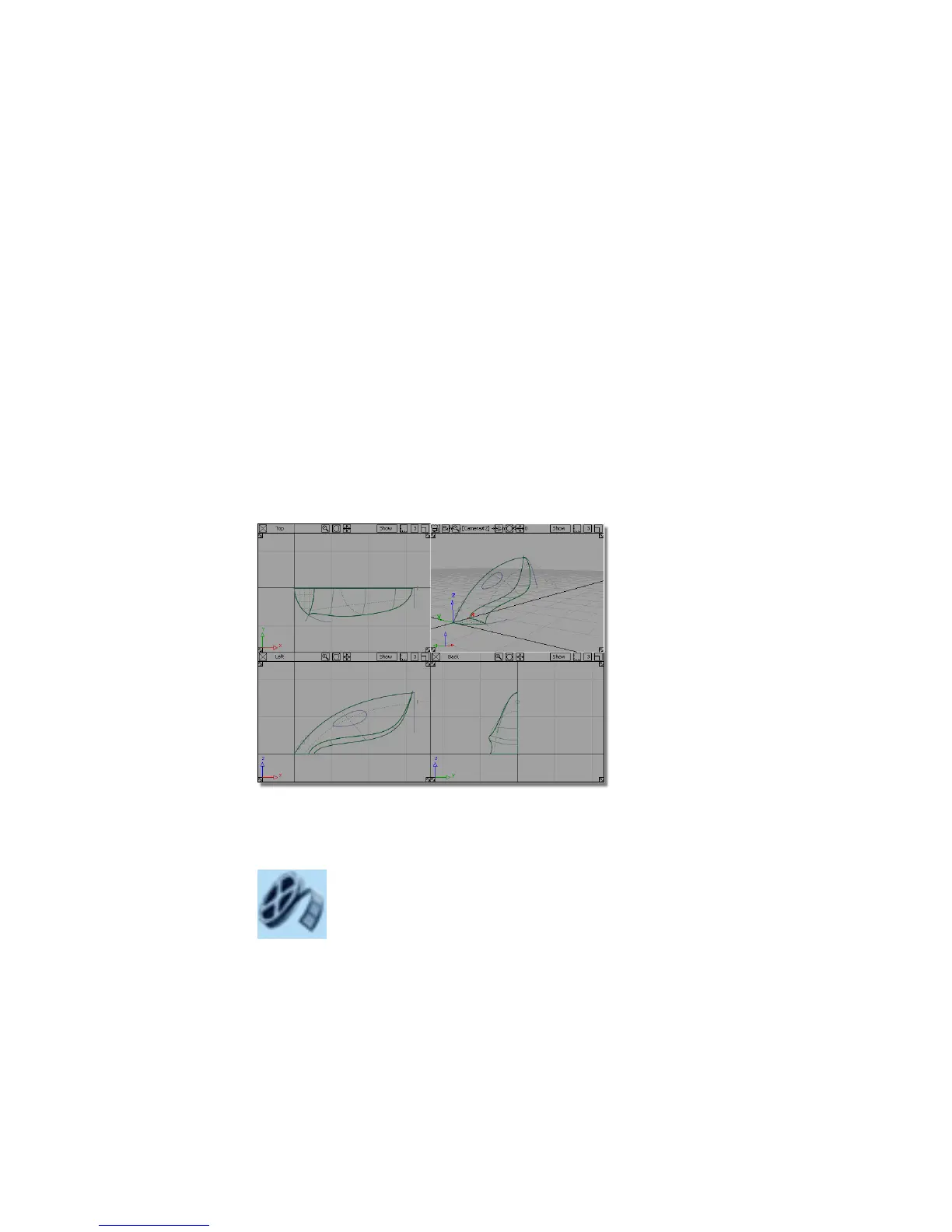
Part 3: Surface Fillet
Now that you have intersected and trimmed the upper and lower surfaces,
there is a sharp edge where the two surfaces meet.
To create a rounded transition between the two surfaces, you will create a
fillet surface using the Surfaces > Surface Fillet tool.
The surface fillet tool will create a rounded surface that blends smoothly
between two surfaces, or two sets of surfaces. As well as creating the rounded
surface, the Surface Fillet tool can also trim back the original surfaces to create
a finished continuous form. This trimming is achieved using curves-on-surface,
which are automatically created by the Surface Fillet tool.
Opening the tutorial file (optional)
If you successfully completed Part 2, you can proceed directly to the next step,
Creating the body fillet.
If you were not successful in part 2, open the file called vacuum_part3.wire,
located in the wire directory of the CourseWare project. This file contains the
completed model from Part 2.
Watch Part 3 of the tutorial.
308 | Chapter 6 Modeling a Vacuum Cleaner



 To Next Page