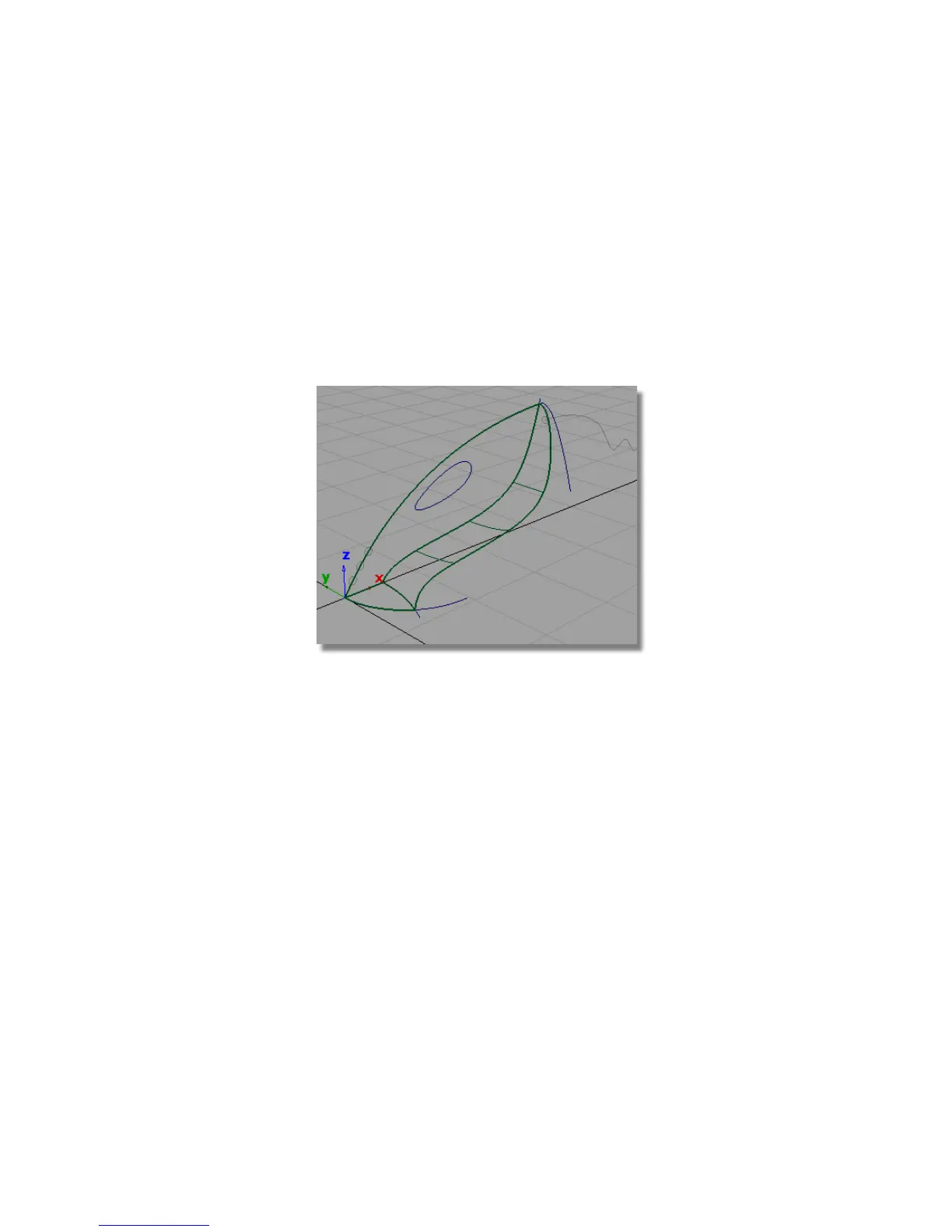
Creating the body fillet
Next, you will create a fillet surface along the intersected edge of the vacuum
cleaner body.
The Surface Fillet tool uses surface indicators to choose which side of a
surface to create the fillet. These indicators are easier to see in a wireframe
view. So you will first turn off the shaded view.
1 Return to a wireframe view by clicking the wireframe icon in the
diagnostic Shading section of the Control Panel.
The upper surface only has lines showing on its edges. To improve the
visualization of the surface, and to make it easier to select, you can
increase the number of lines across the surface using the patch precision
tool.
Next, you will increase the patch precision for the upper surface.
2 Choose Pick > Object and select the upper surface.
3 Choose Object Edit > Patch Precision .
Part 3: Surface Fillet | 309



 To Next Page