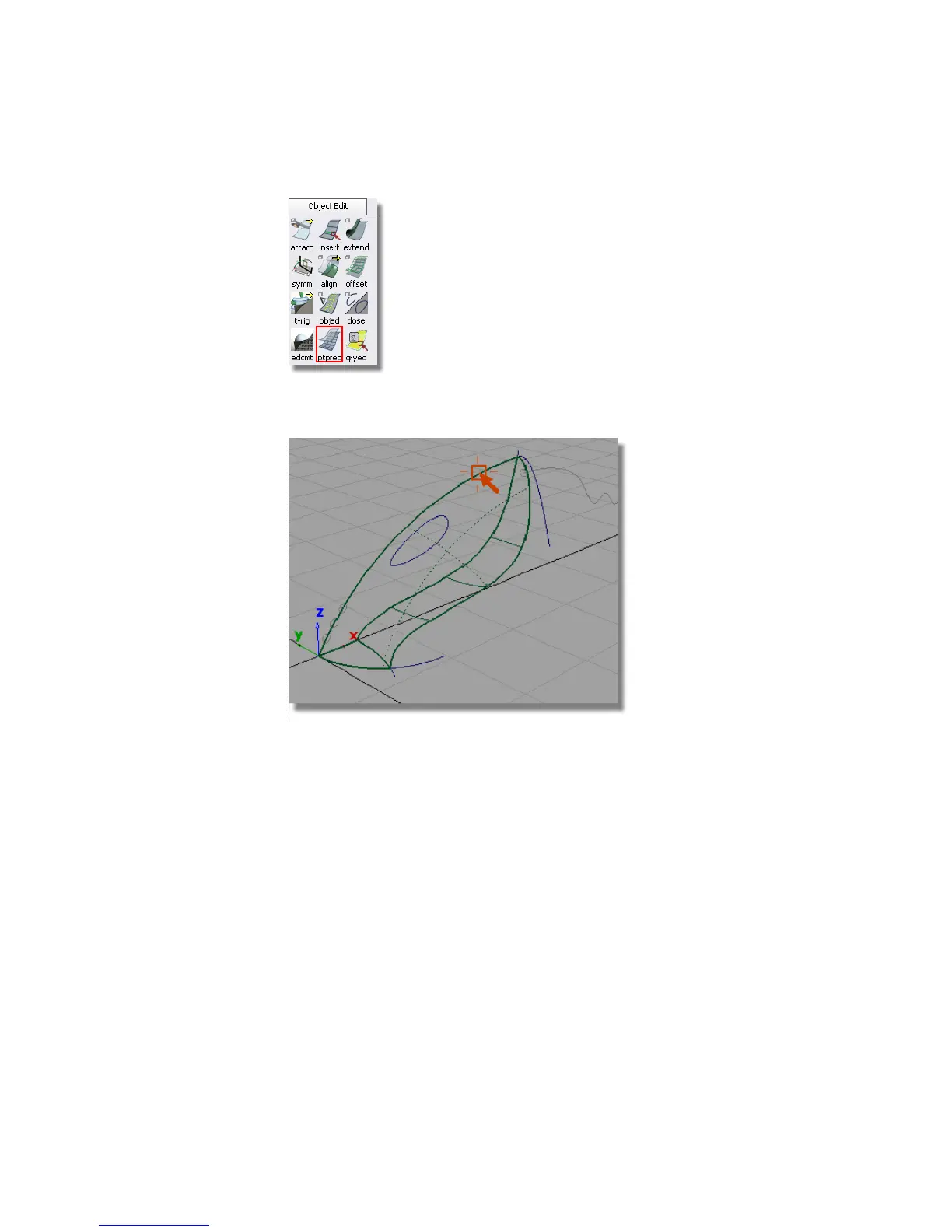
You are prompted to enter the number of curves per patch. Type in 3
and press Enter (Windows) or Return (Mac).
The surface is now displayed with some dotted lines across its interior.
These dotted lines make the surface easier to visualize in wireframe, and
can be used to select the surface.
Next, you will create the surface fillet along the trimmed edge where the
two main surfaces meet.
4 Choose Surfaces > Surface Fillet . Double-click the icon to open the option
box.
310 | Chapter 6 Modeling a Vacuum Cleaner



 To Next Page