6 Close the Render Globals window.
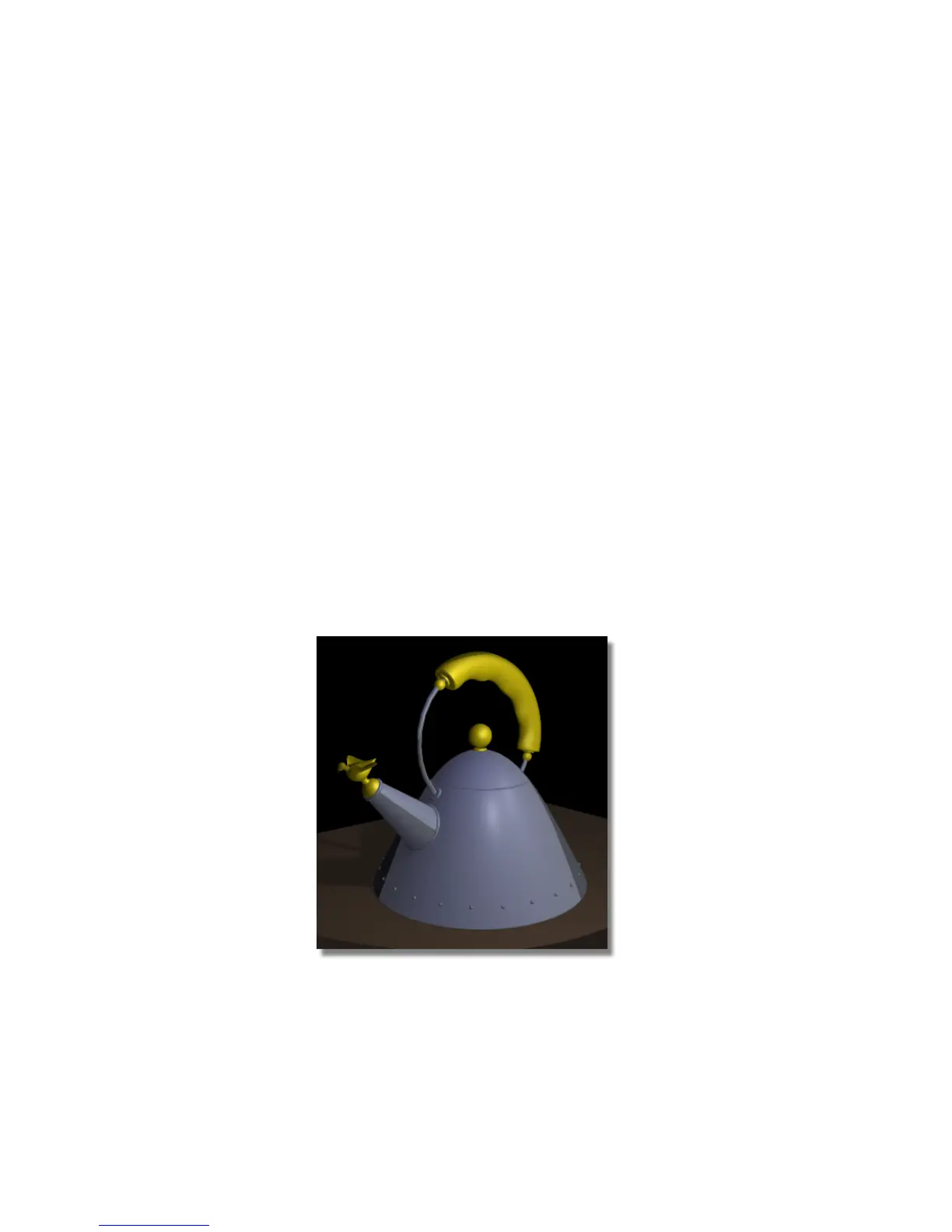
Rendering the image again
1 Select the Render command (Render > Render).
The file browser opens to the pix directory of the Lessons project.
Click the Save button to overwrite the previous file named render3.
A dialog box appears, asking if you want to overwrite or replace the file.
Click OK.
The rendering process begins.
2 After the render has completed, click the Show button on the Render
Monitor to view the image.
The entire model is much smoother; in particular, the handle and the
base of the teakettle are no longer faceted.
3 Click the close box of the Render Monitor and rendered image windows
to close them.
Save your work
1 Choose File > Save As to open the File Browser.
Part 1: Editing the Render Globals parameters | 691



 To Next Page