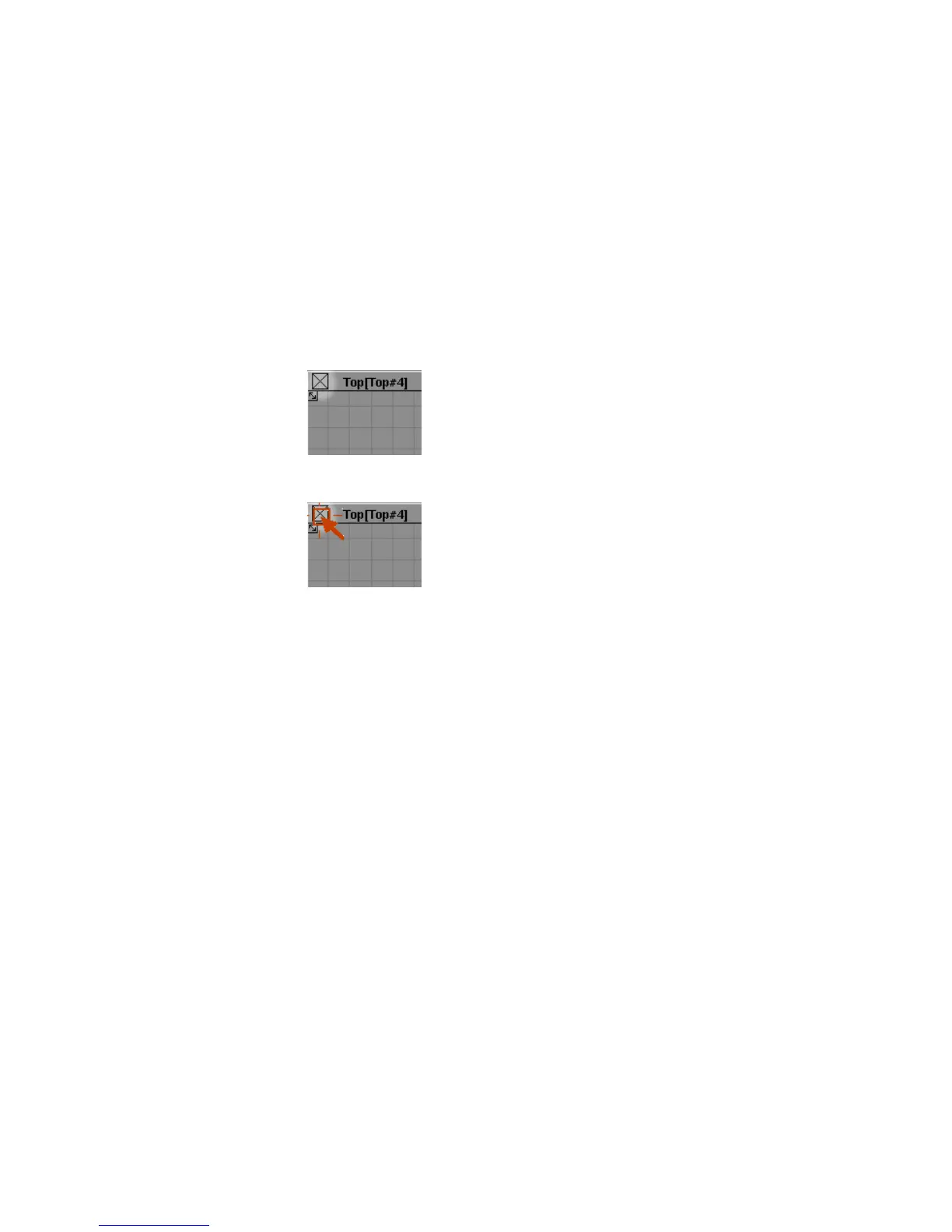
The view windows have more controls across the top, but for now, concentrate
on the close box, title bar, maximize, and resize corners.
You will discover the functions of the other icons later in the tutorials.
Closing Windows
To close the Top view using the close box
■ Find the close box in the upper left corner of the Top view window.
■ Click the Top view window close box.
The Top view window disappears.
Resizing Windows
You can change the size of windows using the resize arrows at each corner.
To change the size of a view window using the resize arrows and maximize
box
1 Find the resize arrows in the corners of a view window.
Arranging Windows | 21



 To Next Page