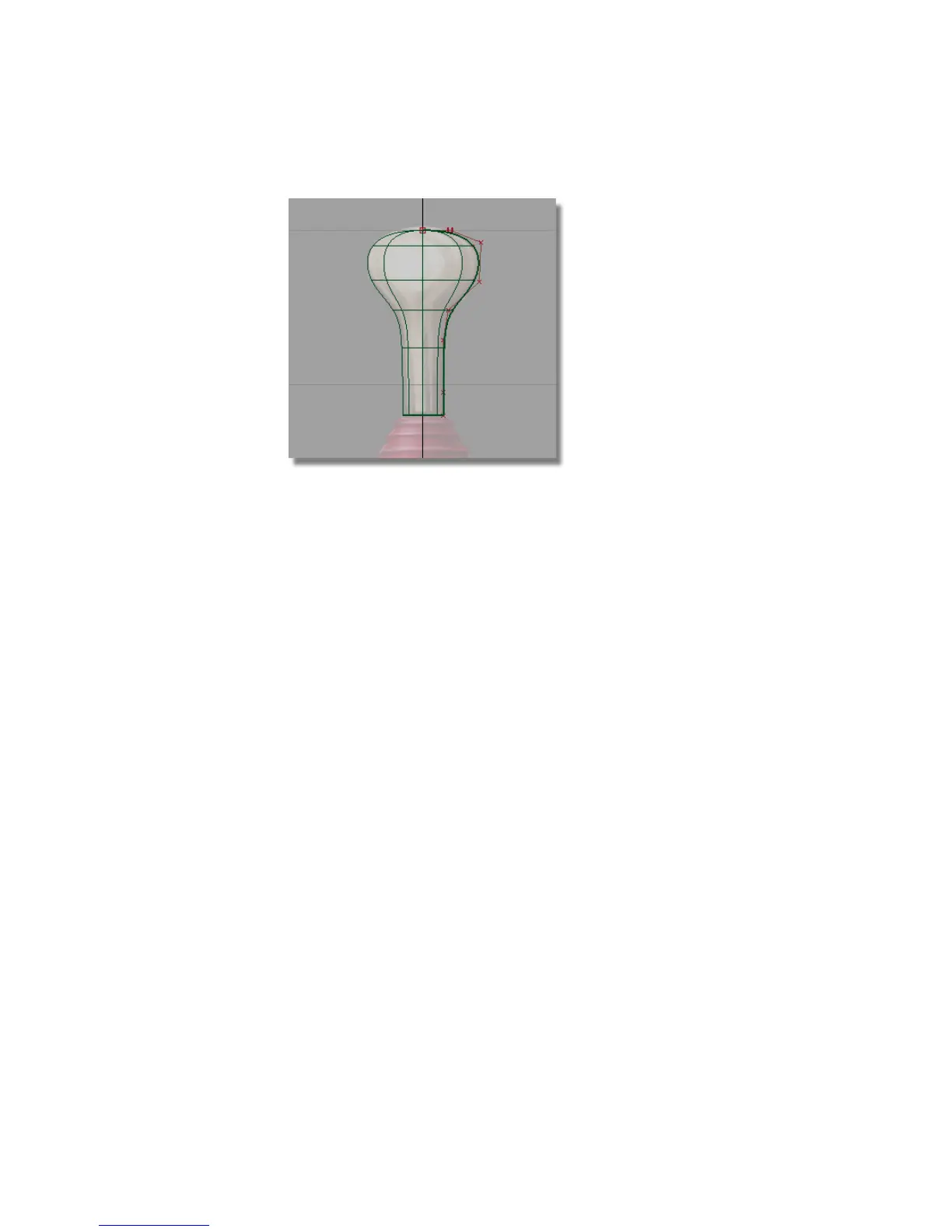
The manipulators disappear.
Modifying the handle curve and surface
Most surfaces you create in Alias have what’s known as construction history.
Construction history allows you to easily change a surface after you have
created it.
For example, if you move a CV on the original profile curve, the revolved
surface will automatically update.
Next, you will move a CV to see the effect of construction history.
1 Choose Pick > Point Types > CV and click the third CV to pick it.
168 | Chapter 5 Modeling a Joystick



 To Next Page