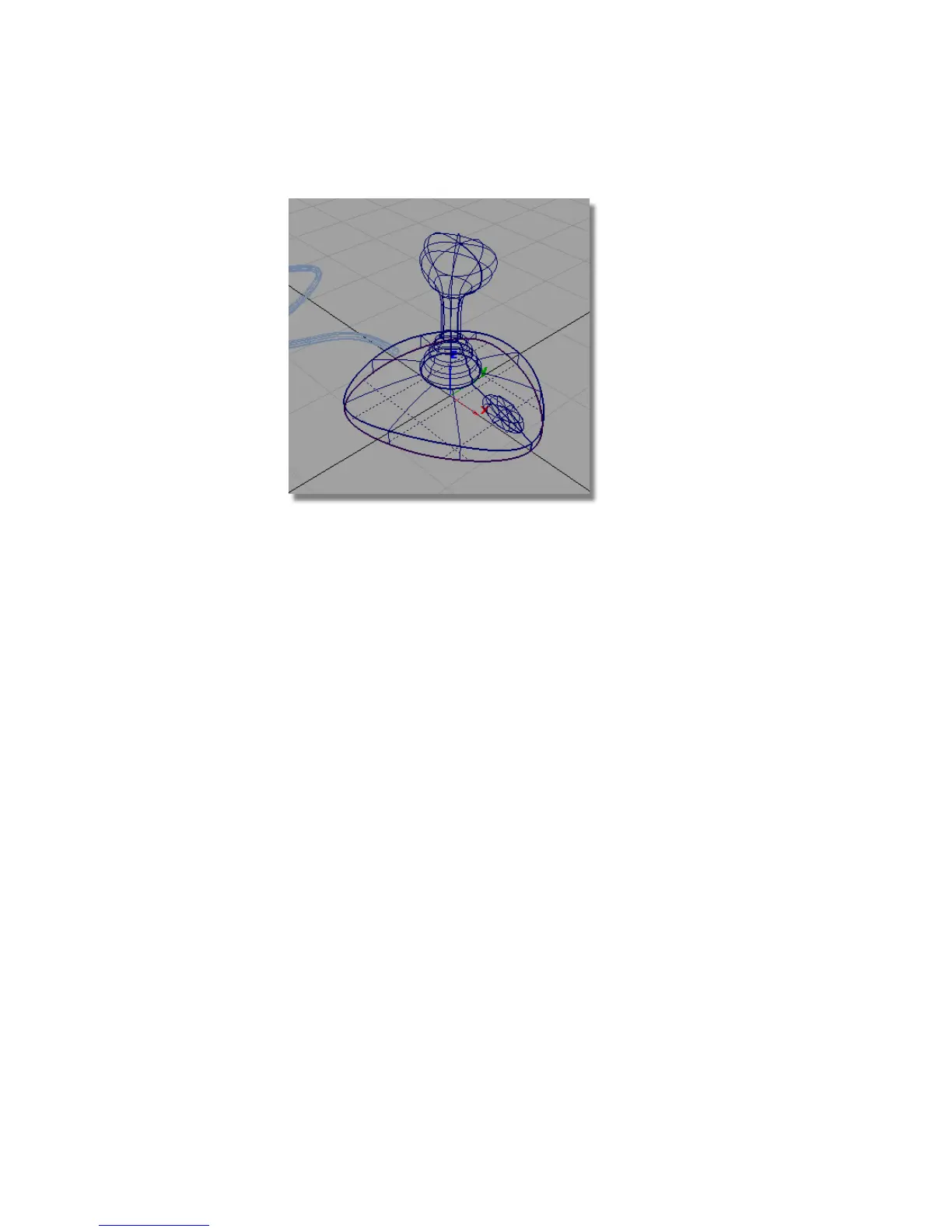
Save your work
1 Choose File > Save As to save the current scene.
2 Save your work in the wire directory of the Lessons project.
3 Name your file myjoystick7.wire.
Part 8: Visualizing the Model
In this section, you will view the model using Hardware Shading.
Opening the tutorial file (optional)
If you successfully completed Part 7, you can proceed directly to the next step,
Shading the view.
264 | Chapter 5 Modeling a Joystick



 To Next Page