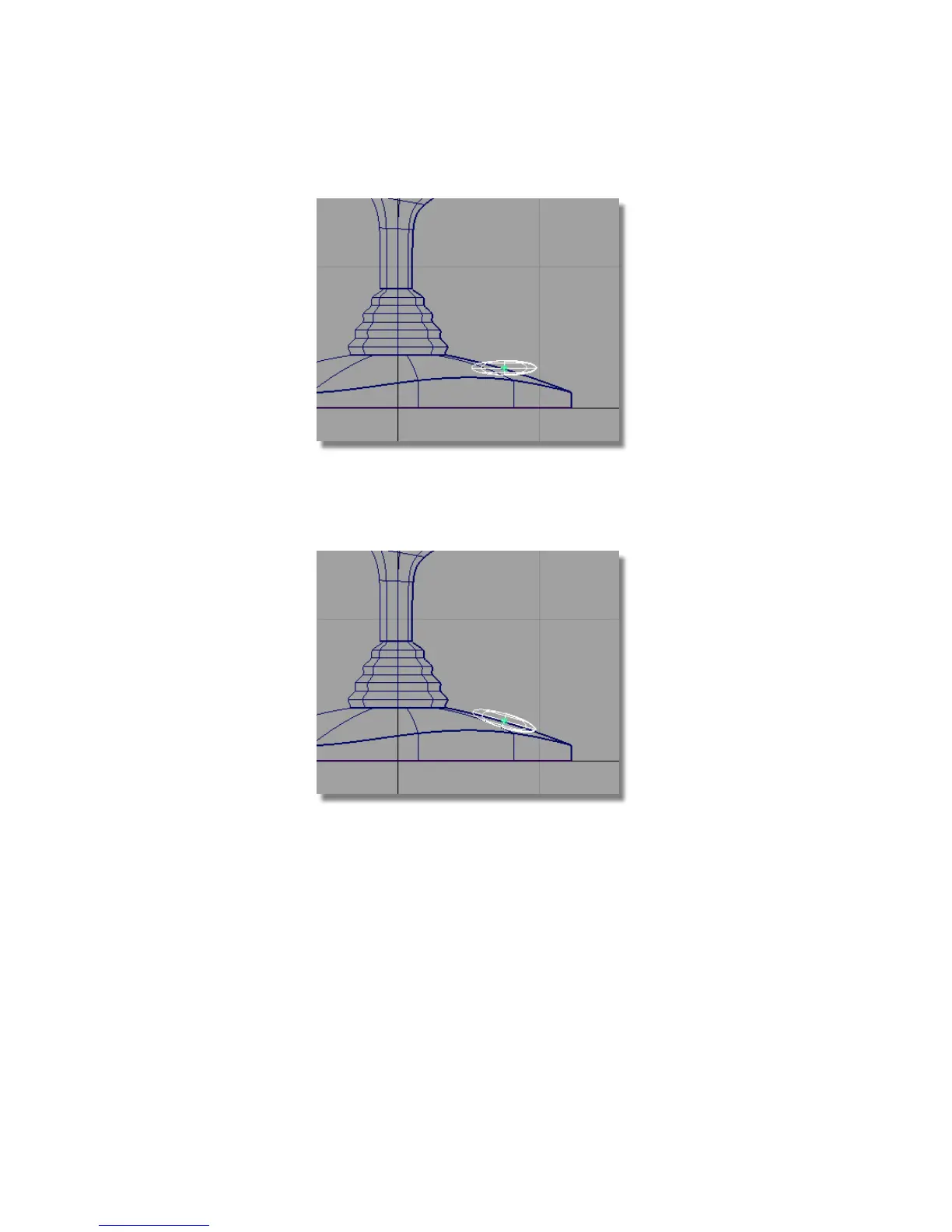
14 Choose Transform > Rotate .
15 Click and drag the middle mouse button to rotate the sphere to
approximately match the angle of the base.
16 Choose Pick > Nothing to unpick the sphere.
17 Choose Layouts > Perspective to switch to the Perspective view.
Part 7: Creating the button | 263



 To Next Page