Creating a Primitive Object
What are Primitives?
Primitives are ready-made objects in familiar shapes. The primitives are made
from a single surface, or a group of surfaces that form an enclosed volume.
In Alias, you can create the following primitives:
■ Sphere
■ Torus
■ Cylinder
■ Cone
■ Cube
■ Plane
Placing Primitives in views
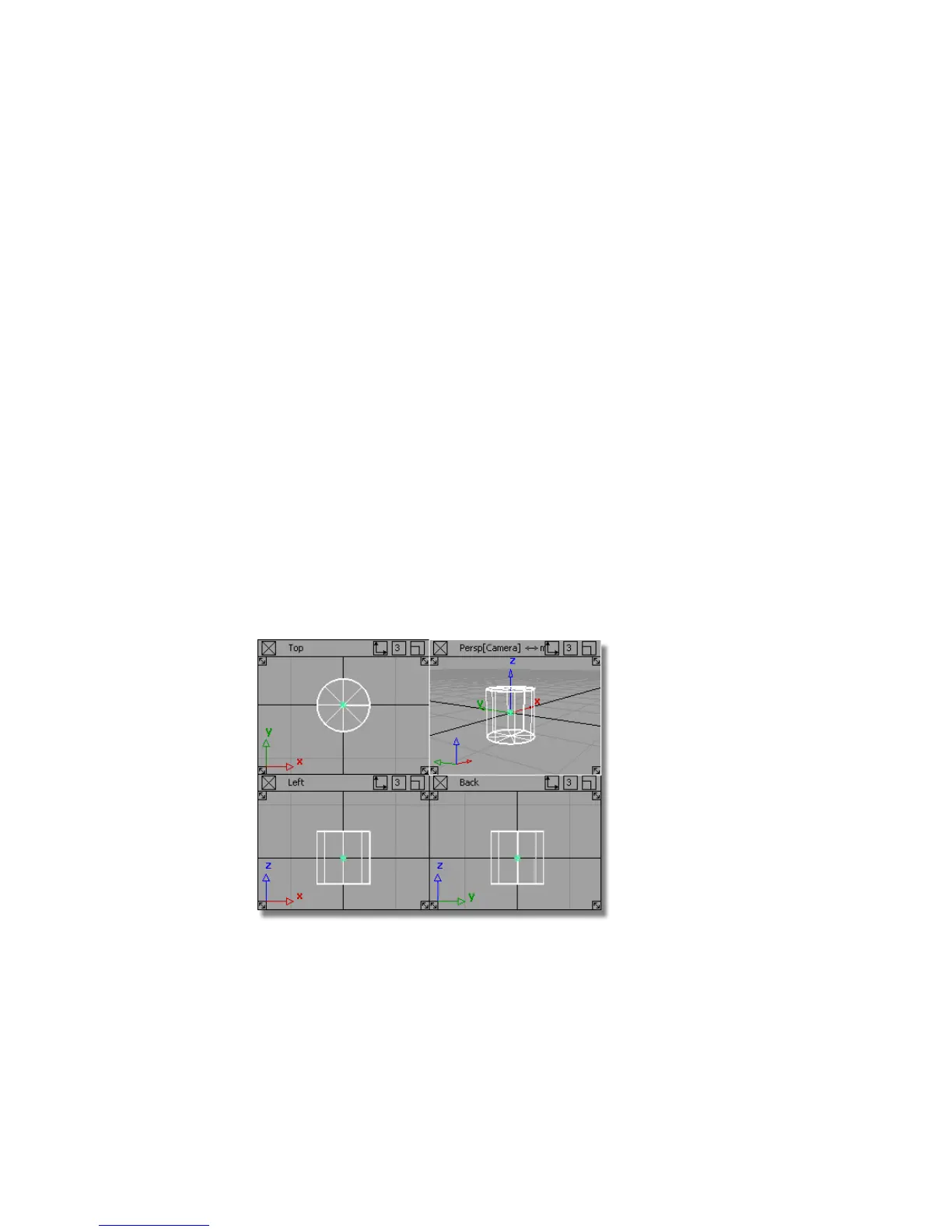
Use the 2D views (Top, Left, and Back) to place the primitives. Which window
you choose affects which way up the primitive is created.
For example, placing a cylinder in the Top view creates a pillar.
Placing the cylinder in the Left or Back views creates a ‘fallen pillar’, or a ‘log’.
88 | Chapter 4 Introduction to 3D



 To Next Page