Part 4: Building the lampshade
In this section, you will build the lampshade and a simplified bulb from
primitive spheres.
Creating geometry at the origin
Many designed objects are symmetrical and aligned. It is good practice to
build models centered on the origin, so grid snapping and mirror tools can
be used.
You will model the lamp shade separately at the origin, then move it into
position on to the upper arm.
Watch Part 4 of the tutorial.
Making the base and arm invisible
The components you have already built can be made invisible to provide a
clear space to build the lamp.
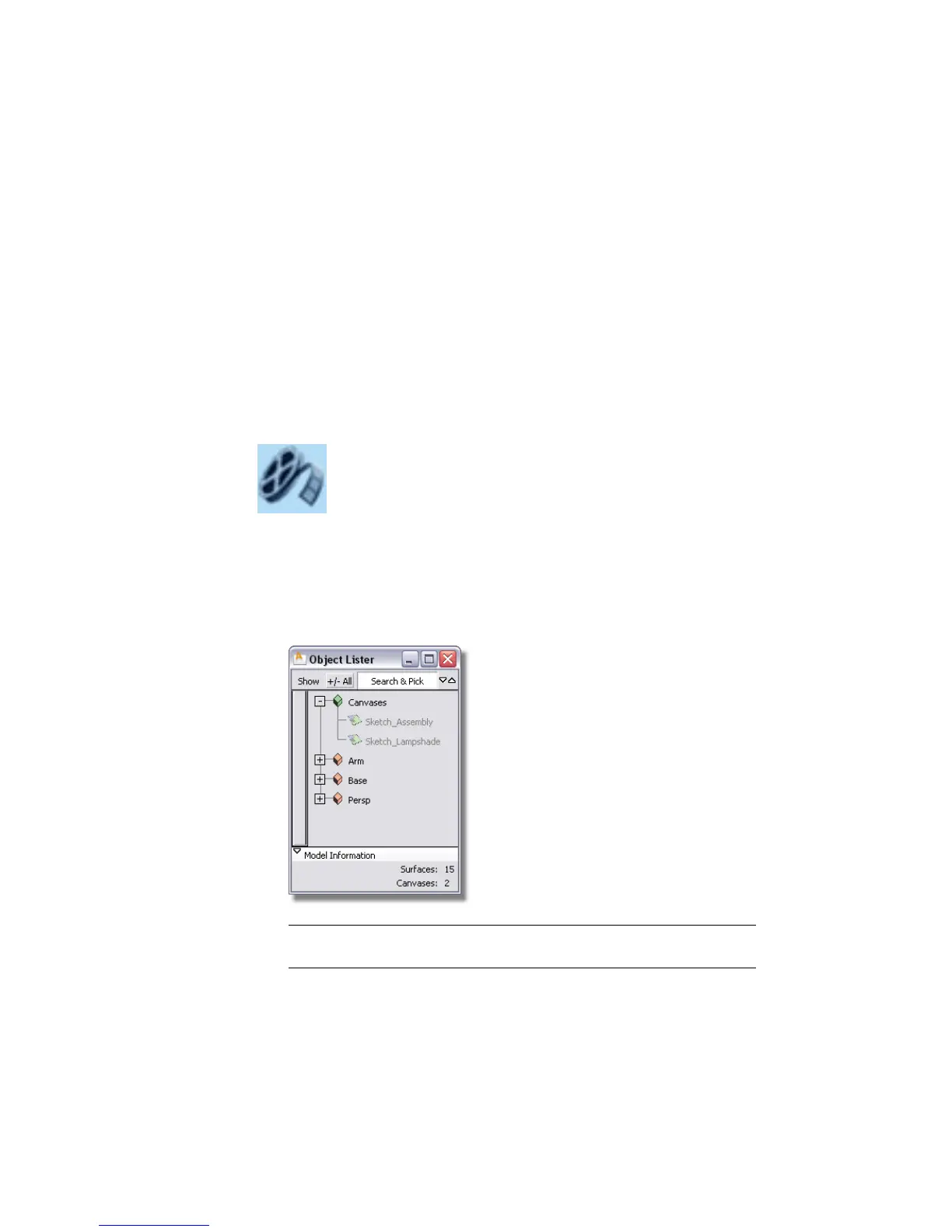
1 Choose Windows > Object Lister to open the Object Lister window.
TIP If you cannot see your objects listed, check that Show > By Object has
been selected in the Object Lister submenu.
122 | Chapter 4 Introduction to 3D



 To Next Page