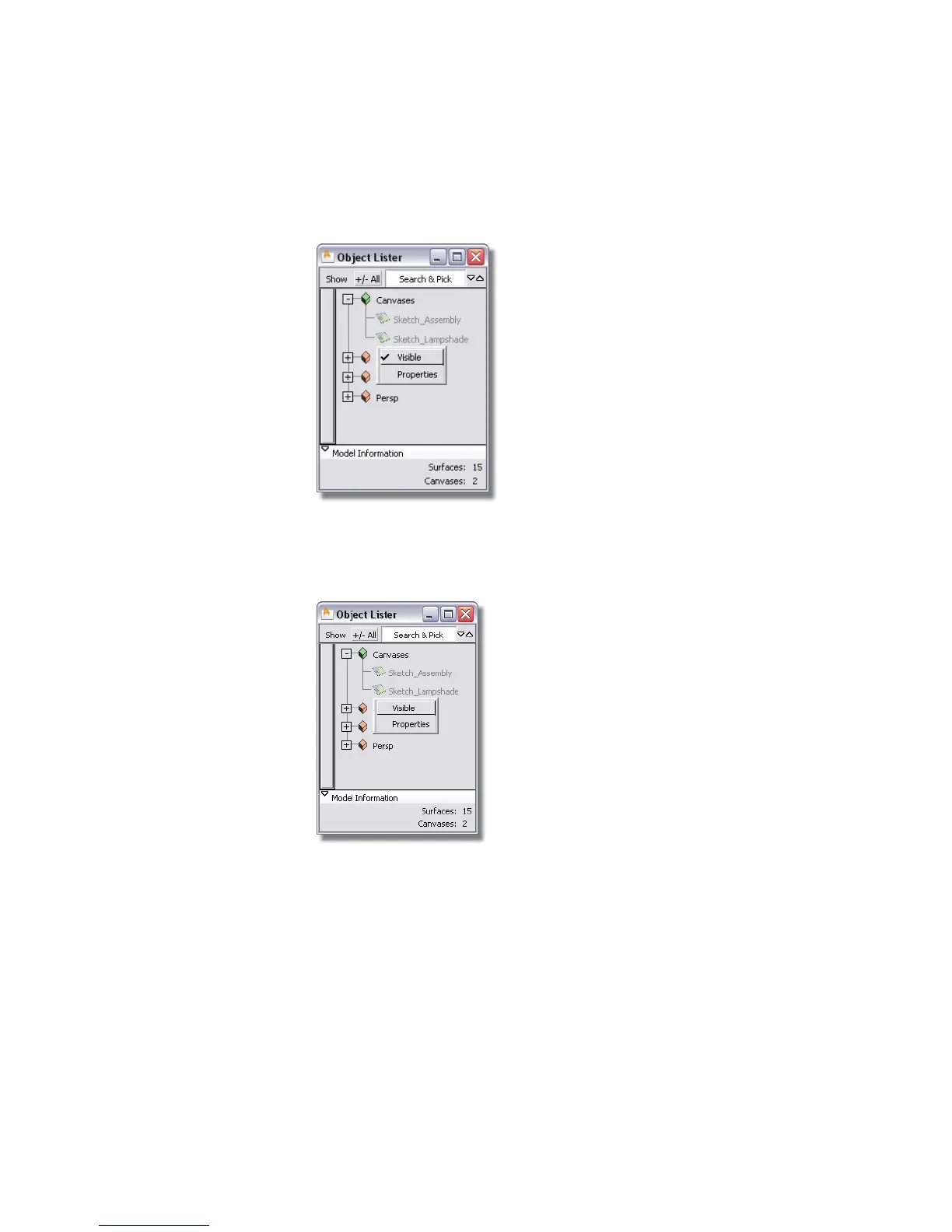
2 Click the right mouse button on the Arm text to select the submenu. Choose
Visible to make the upper arm invisible.
3 Make the Base invisible using the same process.
4 Use the right mouse button over the Sketch_Lampshade text to select the
submenu. Choose Visible to make the sketch visible.
A new sketch for the lamp head appears in the Back window, and all
geometry should be invisible.
Part 4: Building the lampshade | 123



 To Next Page