Trimming Curves
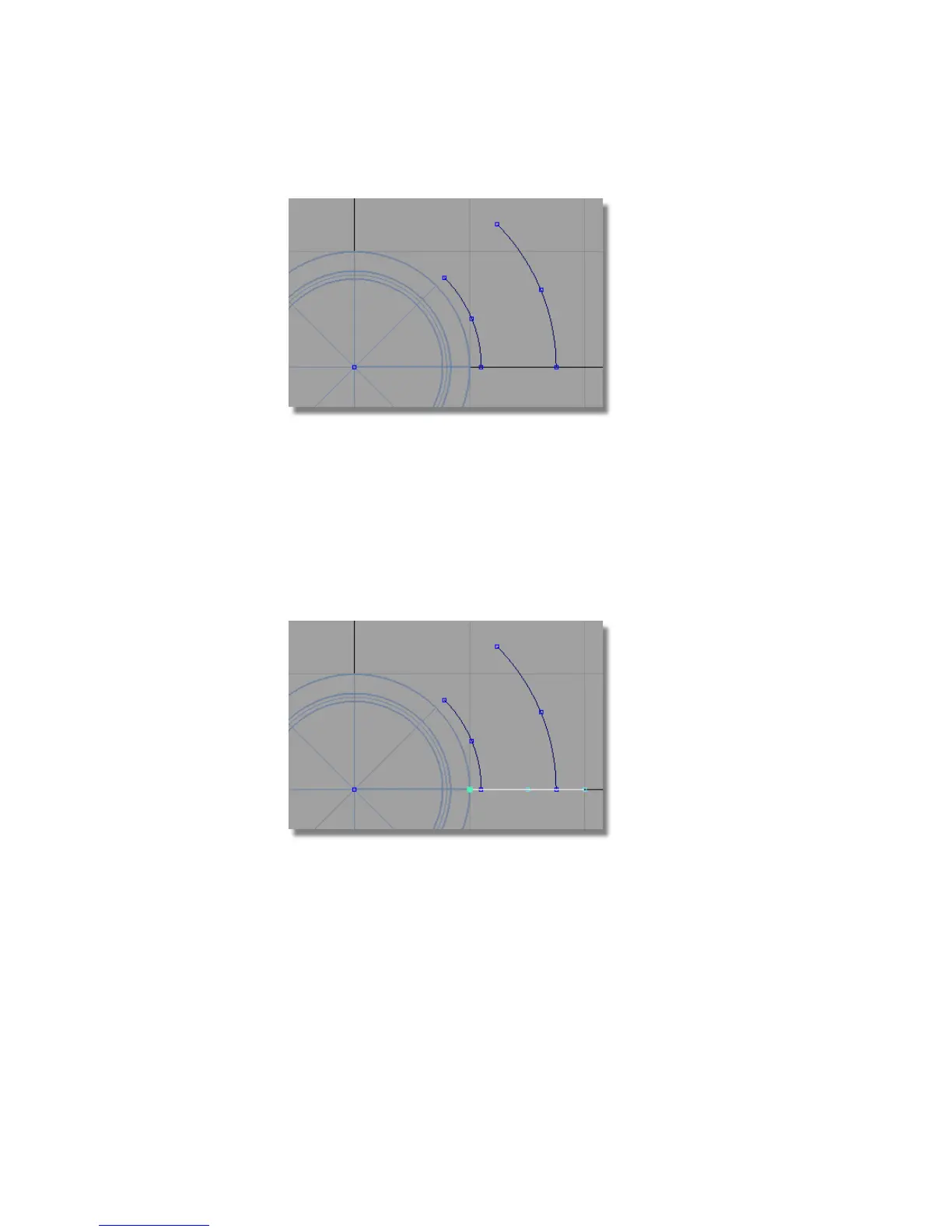
Next, you will trim the two arcs and the line to create the outline of a single
button.
1 Choose Curves > Keypoint Curve Toolbox , then Keypoint Curve Tools
> Lines > Line and snap to the grid points (Alt (Windows) or Command
(Mac) key) to create a horizontal line. You will create the line over-long
so that it can be used for trimming.
2 Choose Transform > Move and type in 0,1 to move the line up by 1 mm
in the y-axis.
482 | Chapter 7 Modeling an MP3 Player



 To Next Page