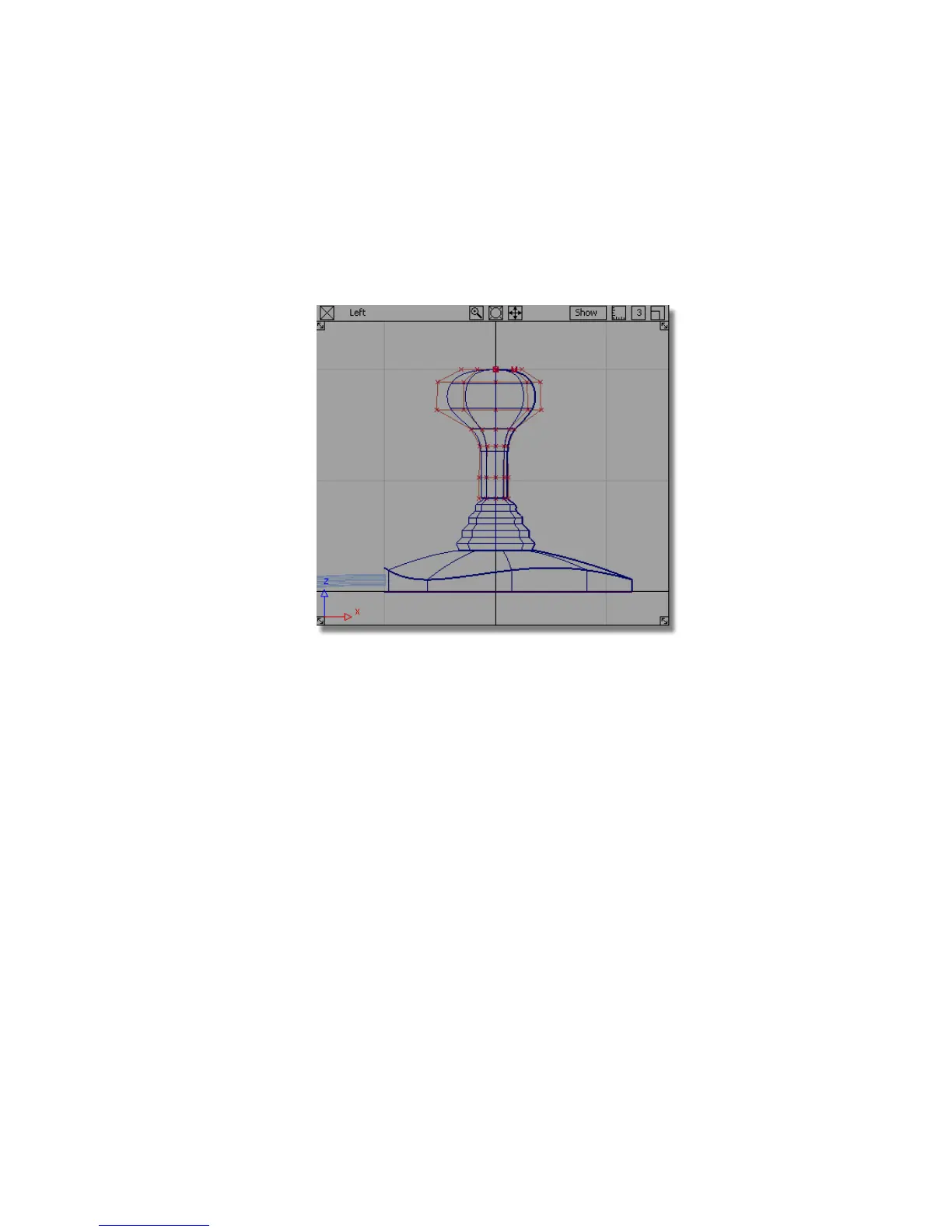
Sculpting the Handle Angle
Next, you will adjust the angle of the top of the handle, to make it more
ergonomic.
1 Choose Layouts > Left or F6 to switch to the Left view.
2 Choose Pick > Point Types > CV and click and drag a box around all the
CVs at the top of the handle.
Part 6: Directly modifying surfaces | 253



 To Next Page