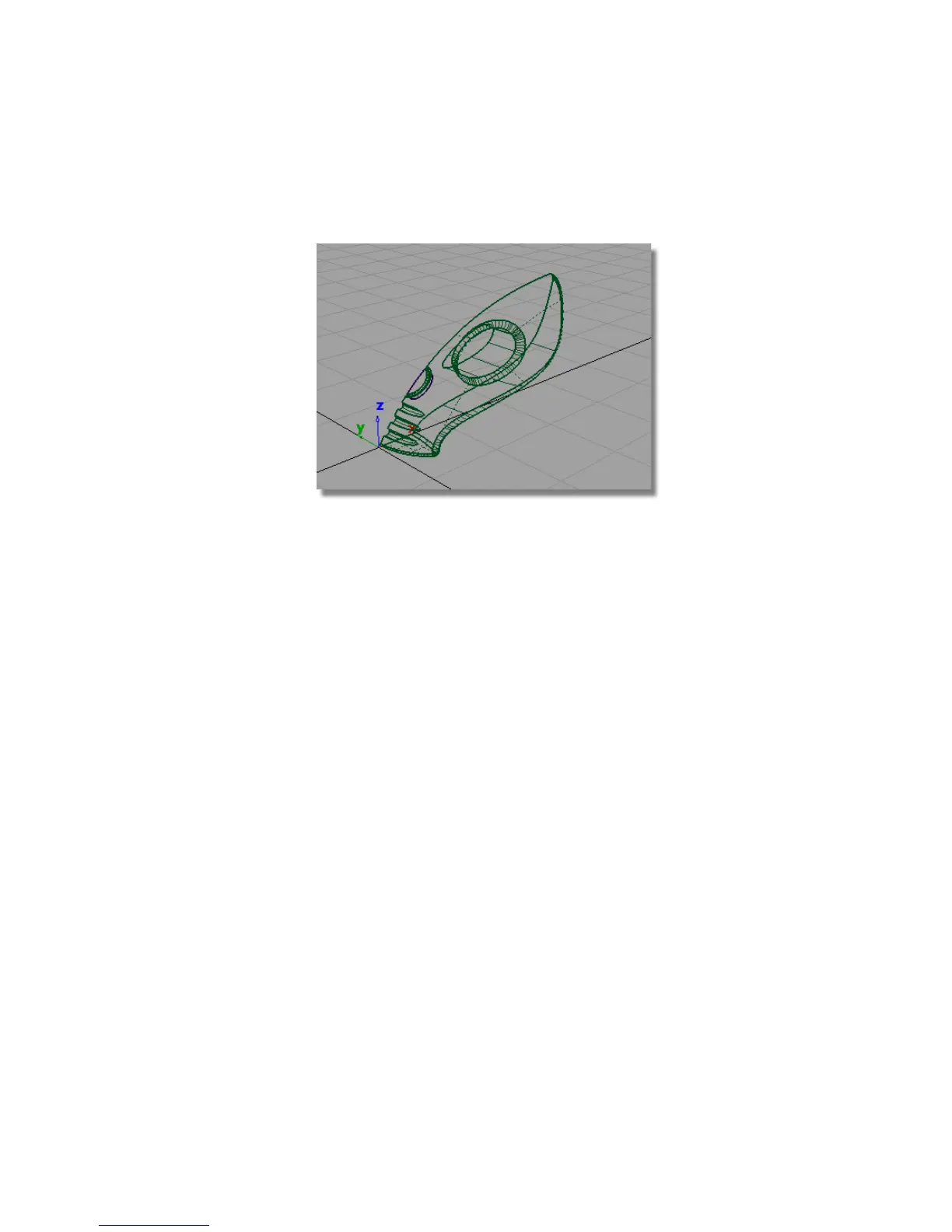
11 Make the power_button layer visible by choosing Visible from the
pull-down menu.
You have now completed the main vacuum cleaner body surfaces.
Save your work
1 Choose File > Save As to save the current scene.
2 Save your work in the wire directory of the Lessons project.
3 Name your file myvacuum6.wire.
Part 7: Dust Bag and Cable Connector
In this section, you will create the dust bag and cable connector surfaces at
the rear of the vacuum cleaner.
Opening the tutorial file (optional)
If you successfully completed Part 6, you can proceed directly to the next step,
Extracting the body shape.
Part 7: Dust Bag and Cable Connector | 365



 To Next Page