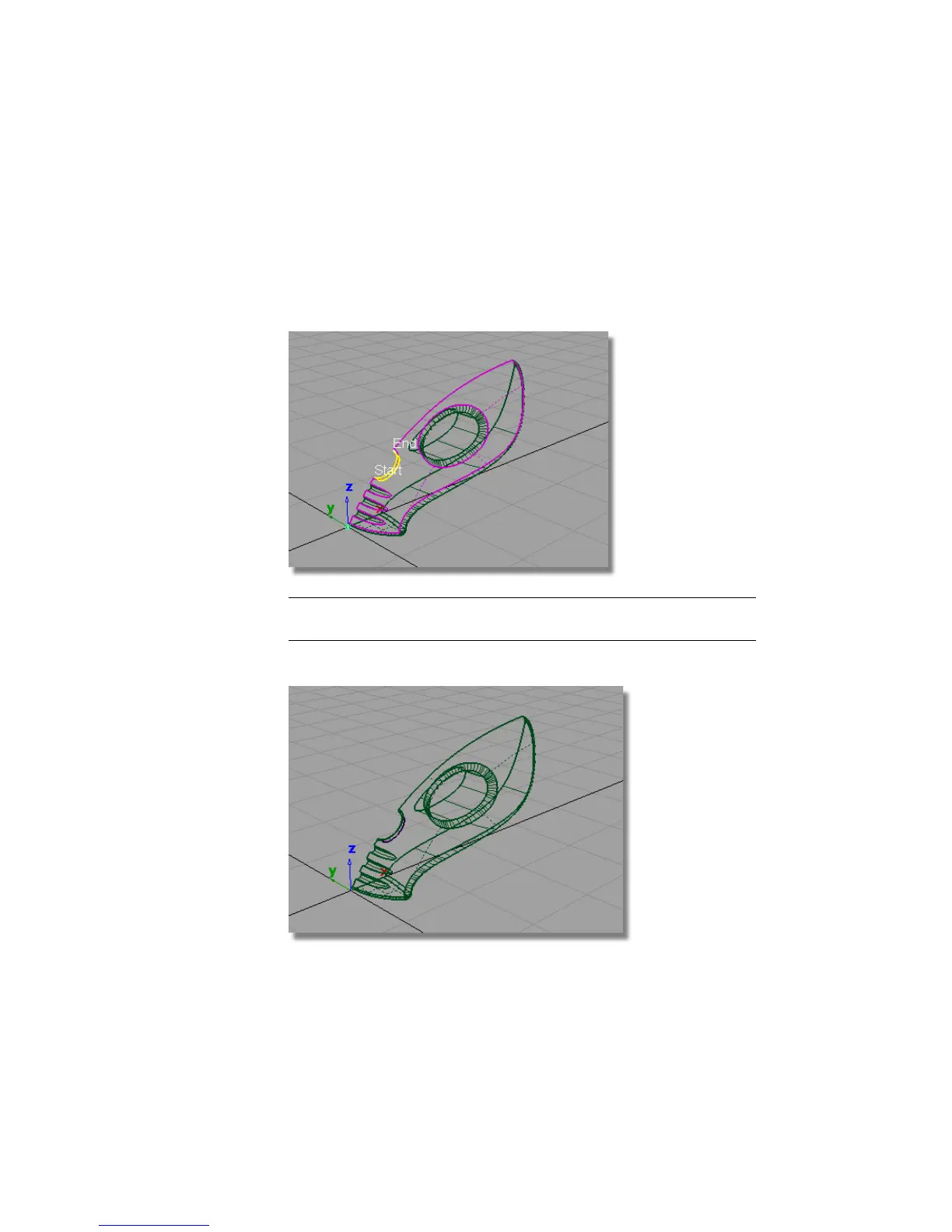
For the recess, the fillet needs to be created on the other side of the
cylinder, so the yellow arrow needs to point outwards on the cylinder
surface. If it is pointing inwards, click the arrow to reverse it.
9 Click Build.
The fillet surface is created, and the upper and cylinder surfaces are
trimmed to create a recess for the power button.
NOTE Because you changed the direction of the yellow arrow for this second
fillet, the result is different from the filleting of the power button.
10 Choose Pick > Nothing to deselect the fillet surface.
364 | Chapter 6 Modeling a Vacuum Cleaner



 To Next Page