Creating the groove surfaces
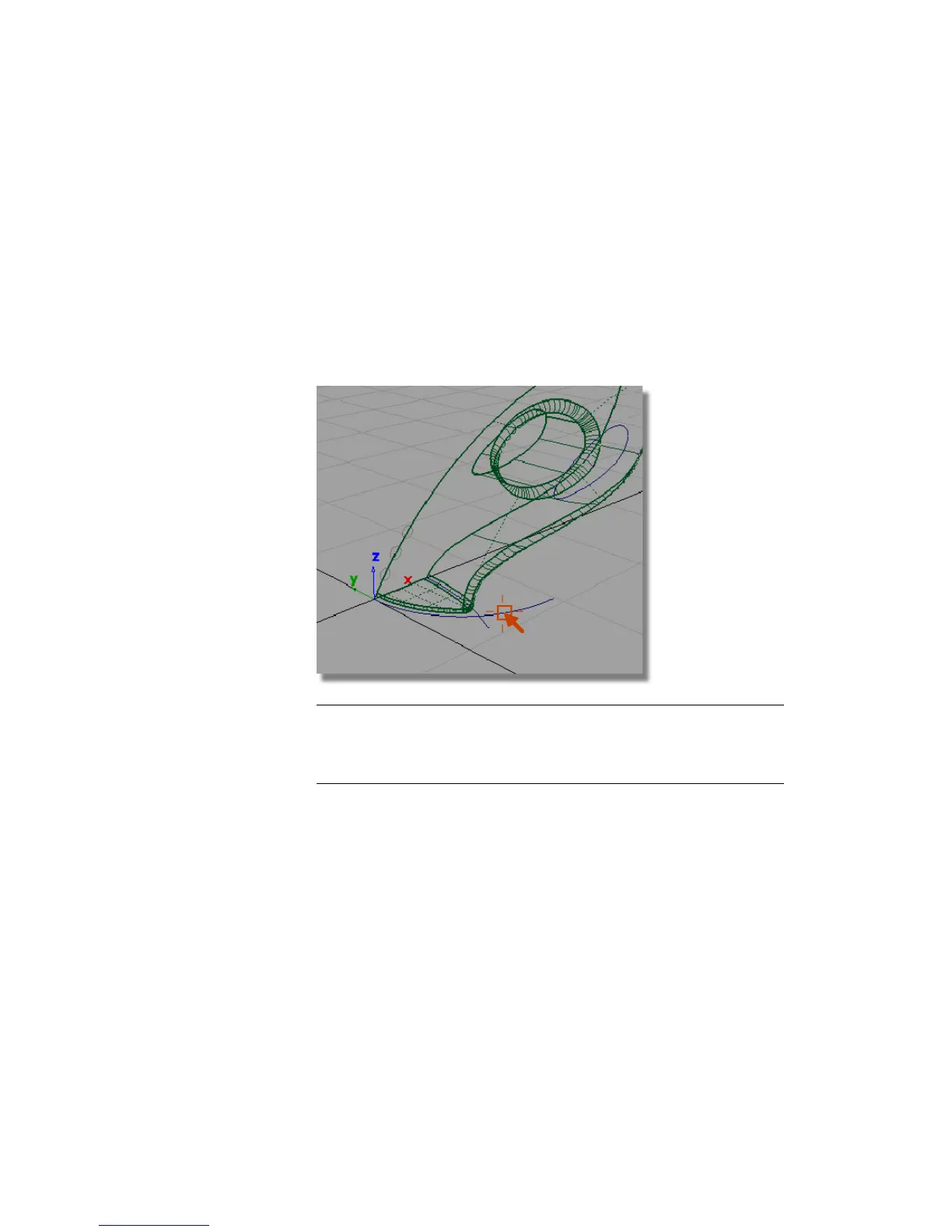
The groove surfaces will be created from three extruded tube shapes. The
profile of the tubes will be circular, and the path will follow the general shape
of the main body. To create an interesting intersection line, the path curve
will pull away from the body shape so the grooves fade out at the outer edge.
To match the character of the main body shape, you will use the original
nozzle curve as a path to extrude the three groove surfaces.
1 Choose Pick > Object and select the front nozzle curve.
NOTE The surfaces are highlighted in pink. This indicates the surfaces have
construction history. If the curve is modified, the surfaces will update. You
will not be modifying the curve; instead, you will take a copy so the shape
can be changed without affecting the surfaces.
Part 5: Air Vents | 335



 To Next Page